
Jewelry photos that sell, made in minutes.
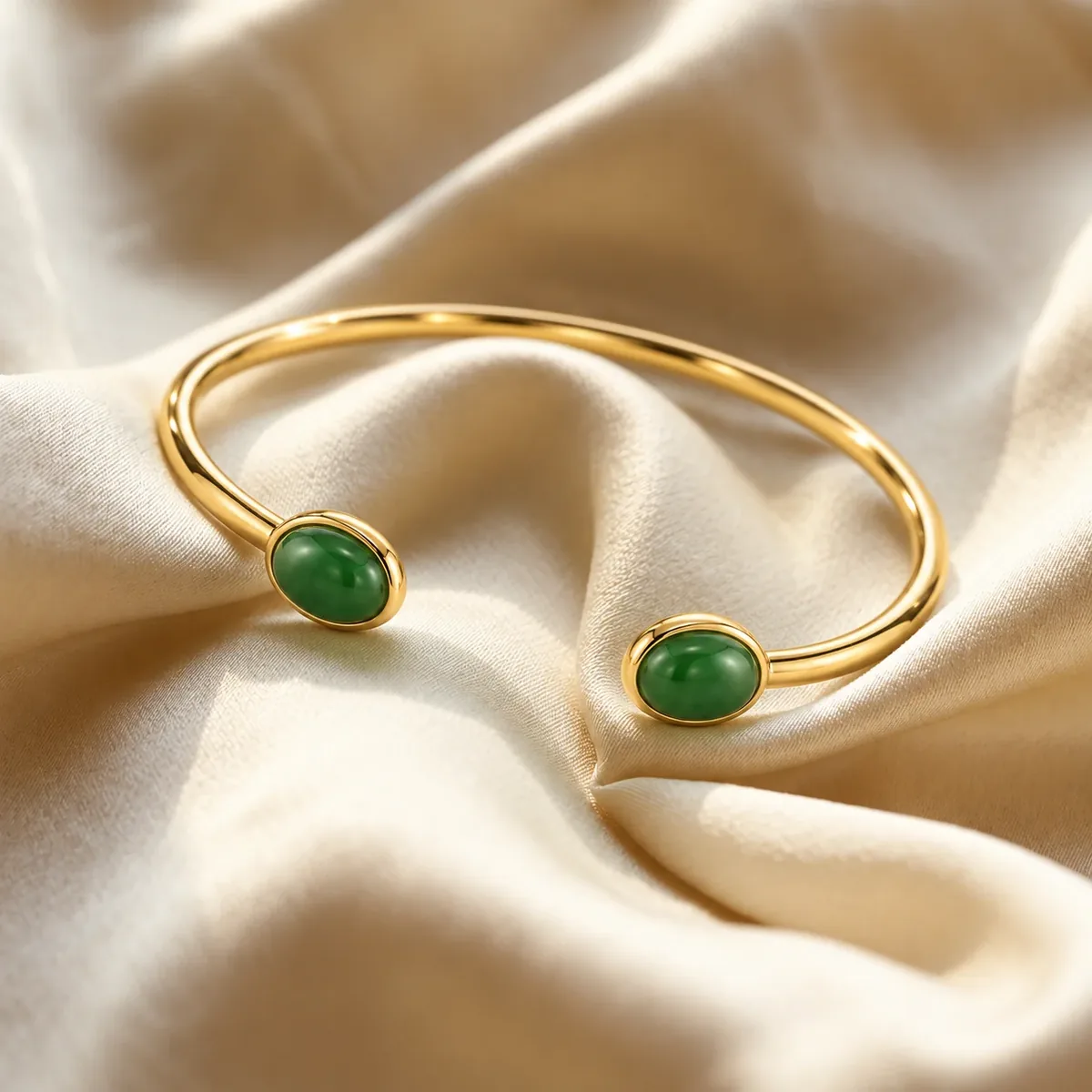
Upload one product photo. Retouch it, cut it out, place it in a scene or on a model, and upscale it to 4K — with every stone, prong and engraving kept true.
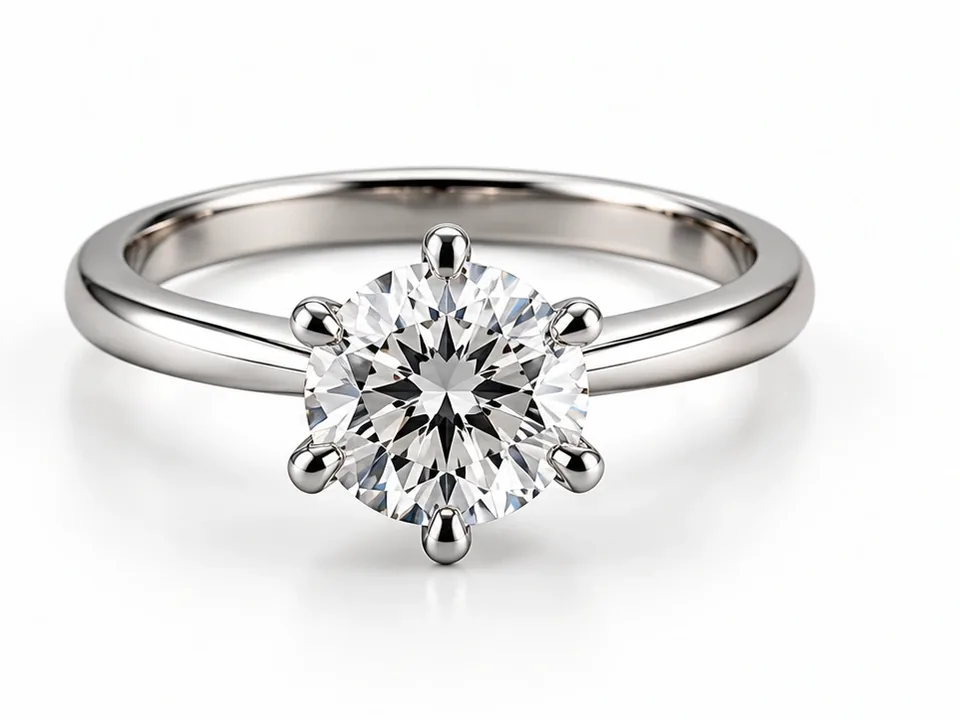
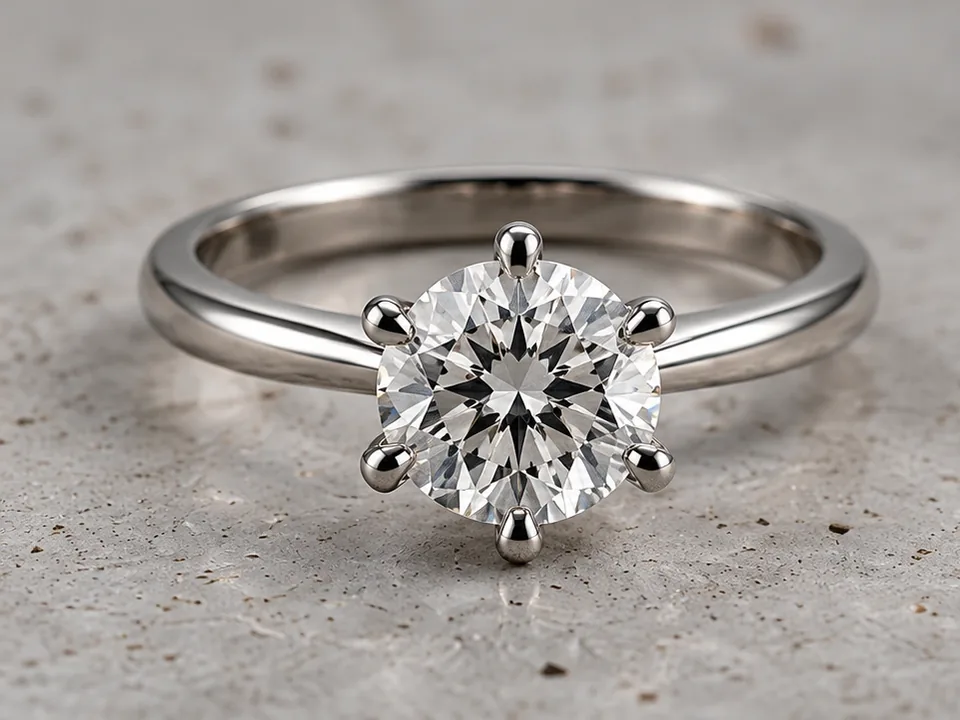 Before After
Drag to compare · AI Retouch
Five tools. One photo is all you need.
Each tool is tuned for metal, gemstones and fine chains — not for faces or food.
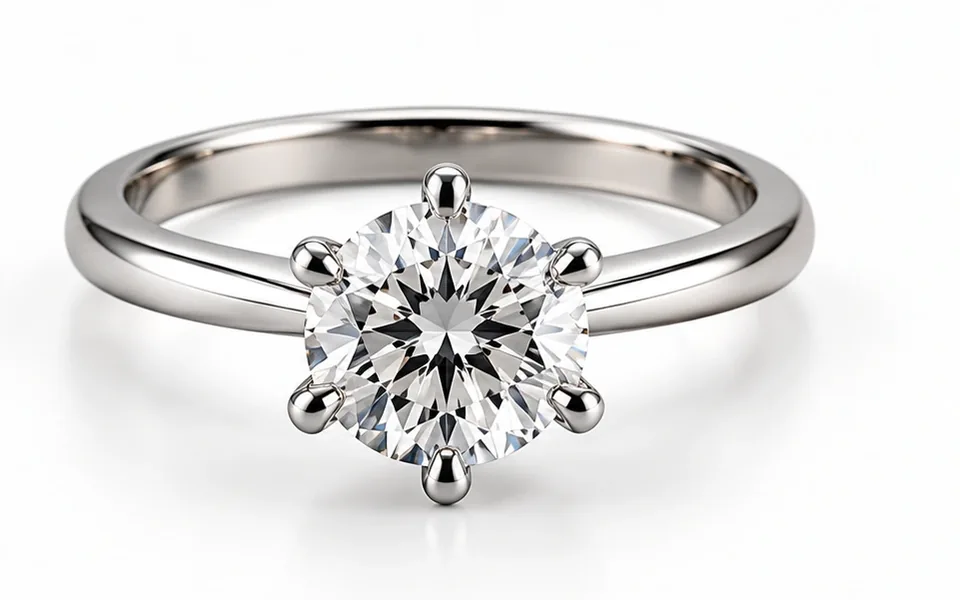 AI Retouch Clean white-background product shots in one click. Try AI Retouch
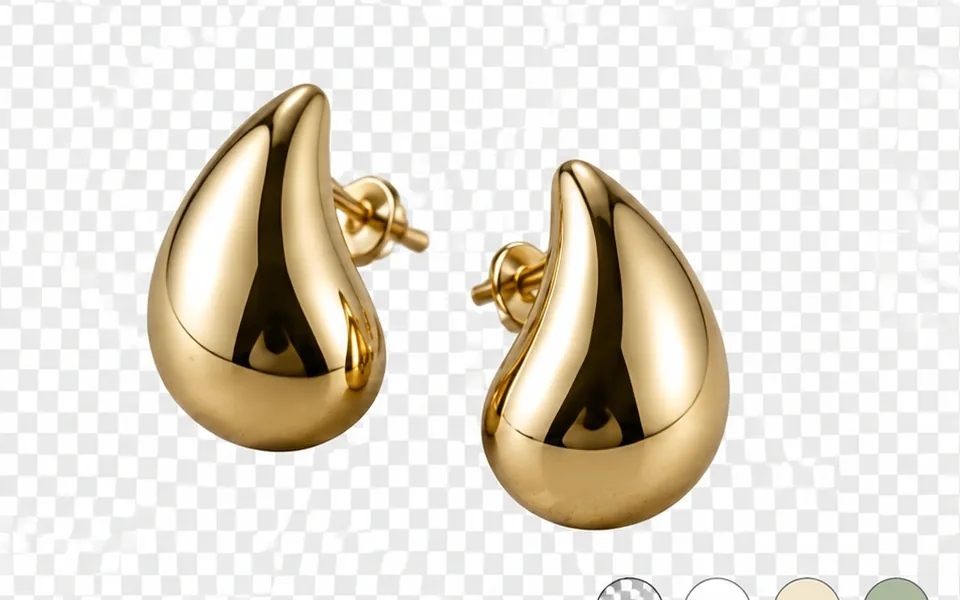 Background Remover Transparent PNG cutouts that keep chains and prongs. Try Background Remover
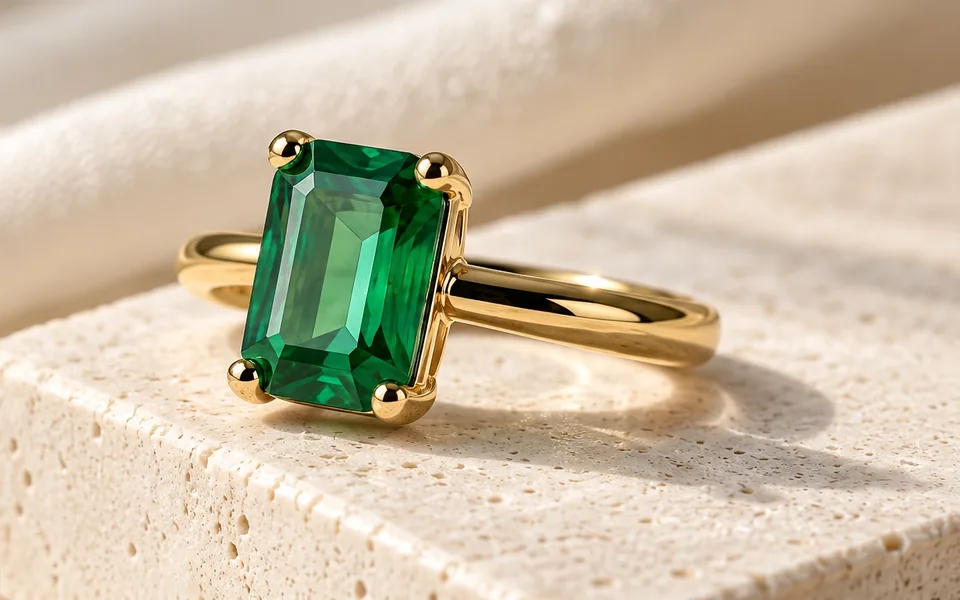 AI Scene Lifestyle shots without a set, a stylist or a reshoot. Try AI Scene
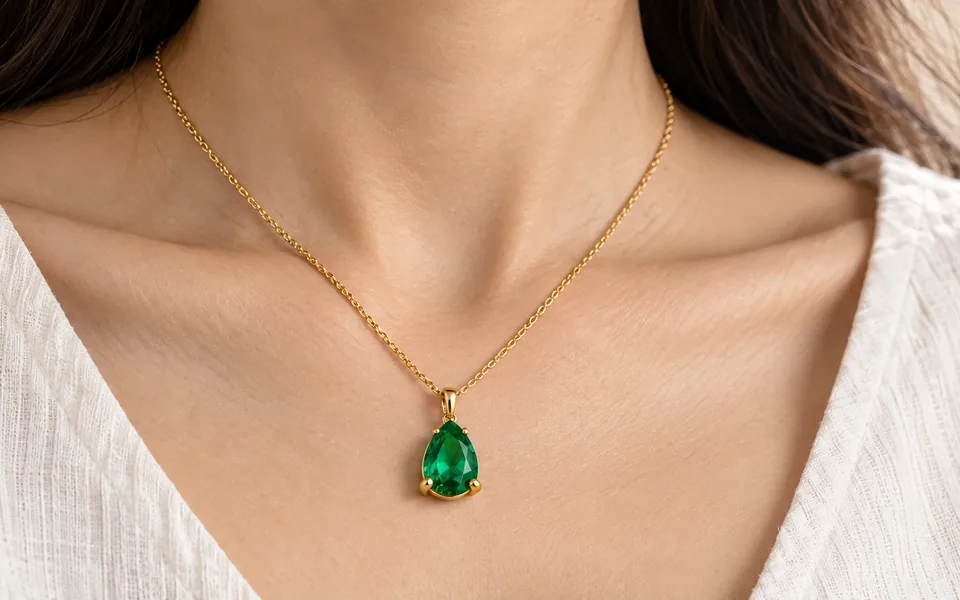 AI Model Try-On On-model photos without booking a model. Try AI Model Try-On
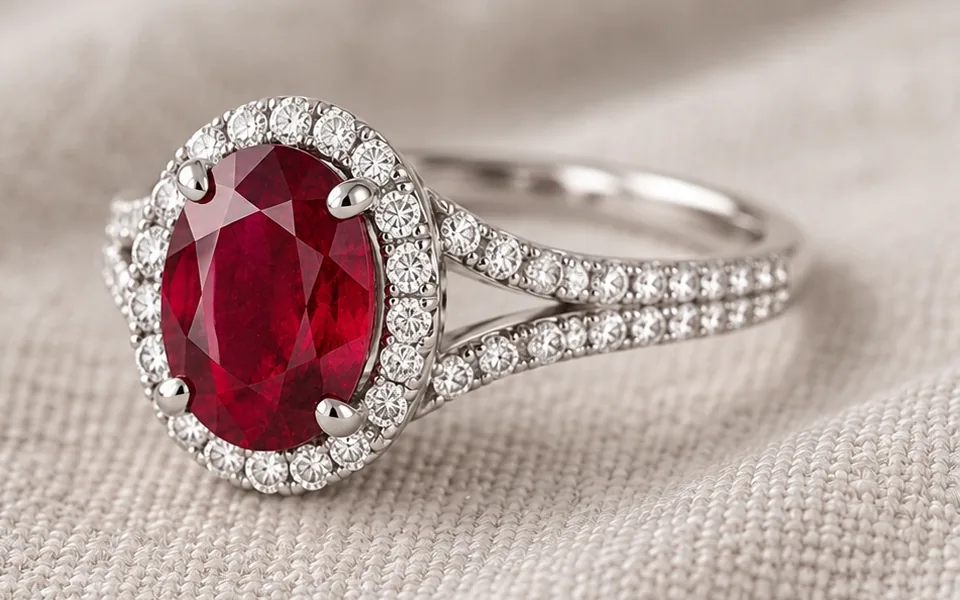 HD Upscale Sharpen low-resolution photos to 4K. Try HD Upscale
Crop any result to marketplace ratios — 1:1, 4:5, 16:9 — for free, right in the workspace.
Open the workspaceFrom phone photo to product page.
- 1Upload one photo
JPG, PNG or WebP up to 20 MB. Any camera or phone works.
- 2Pick a tool
Choose the look and output size. You see the credit price before you start.
- 3Download & keep
Download the result. It is saved to your cloud space automatically.
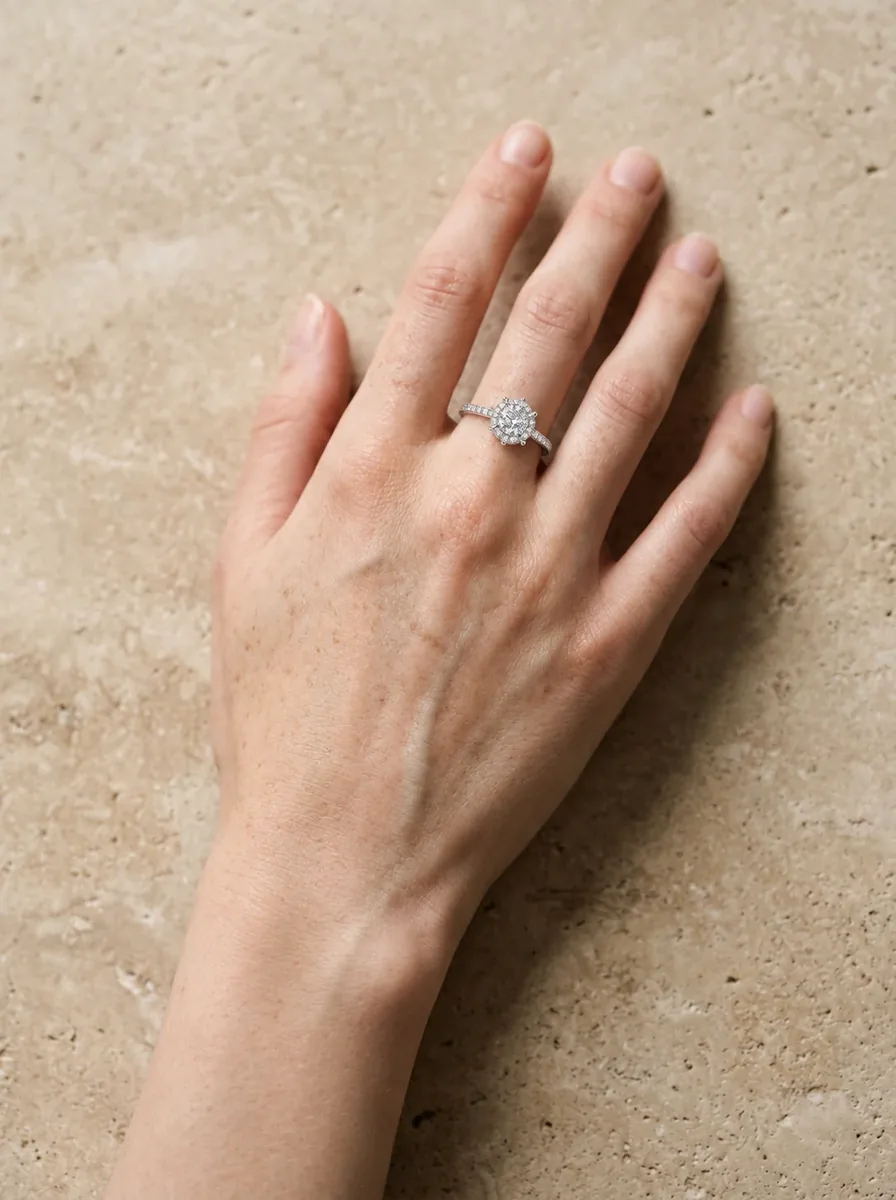
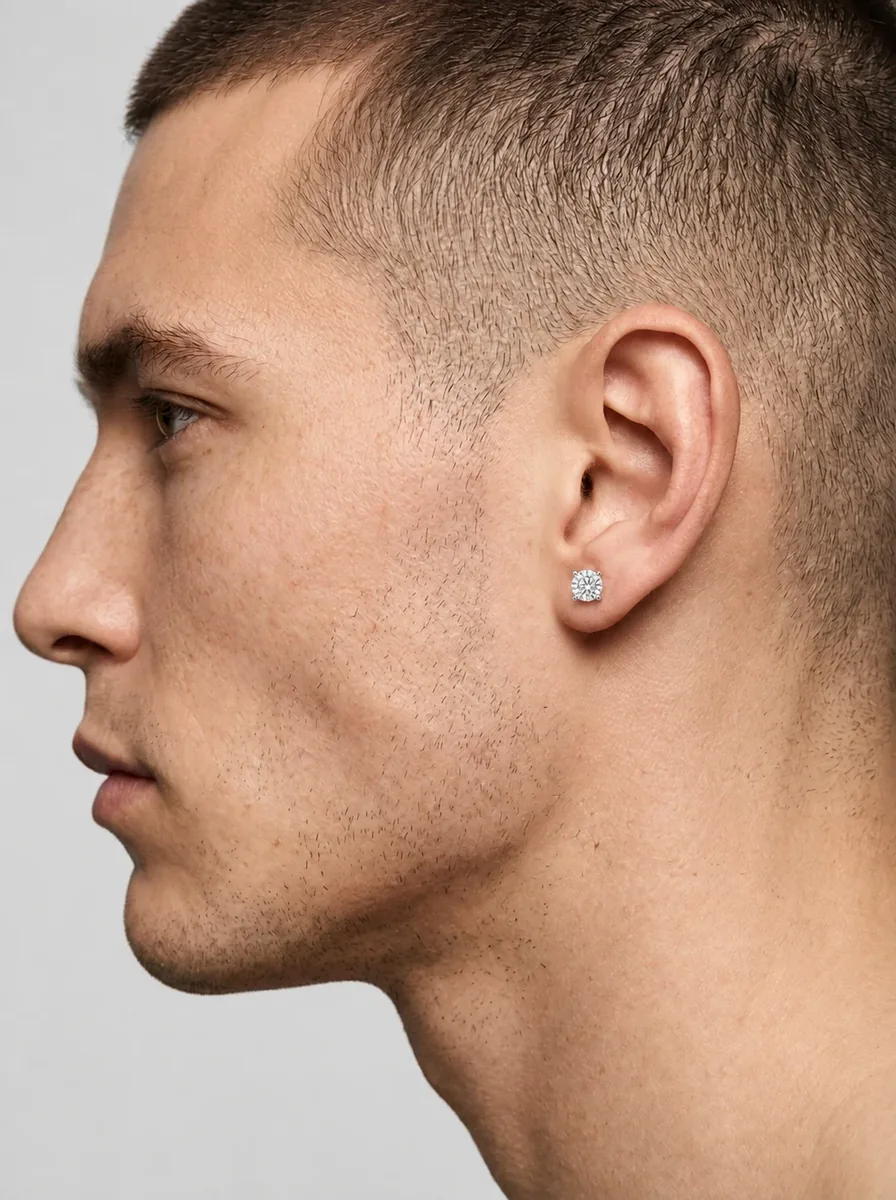
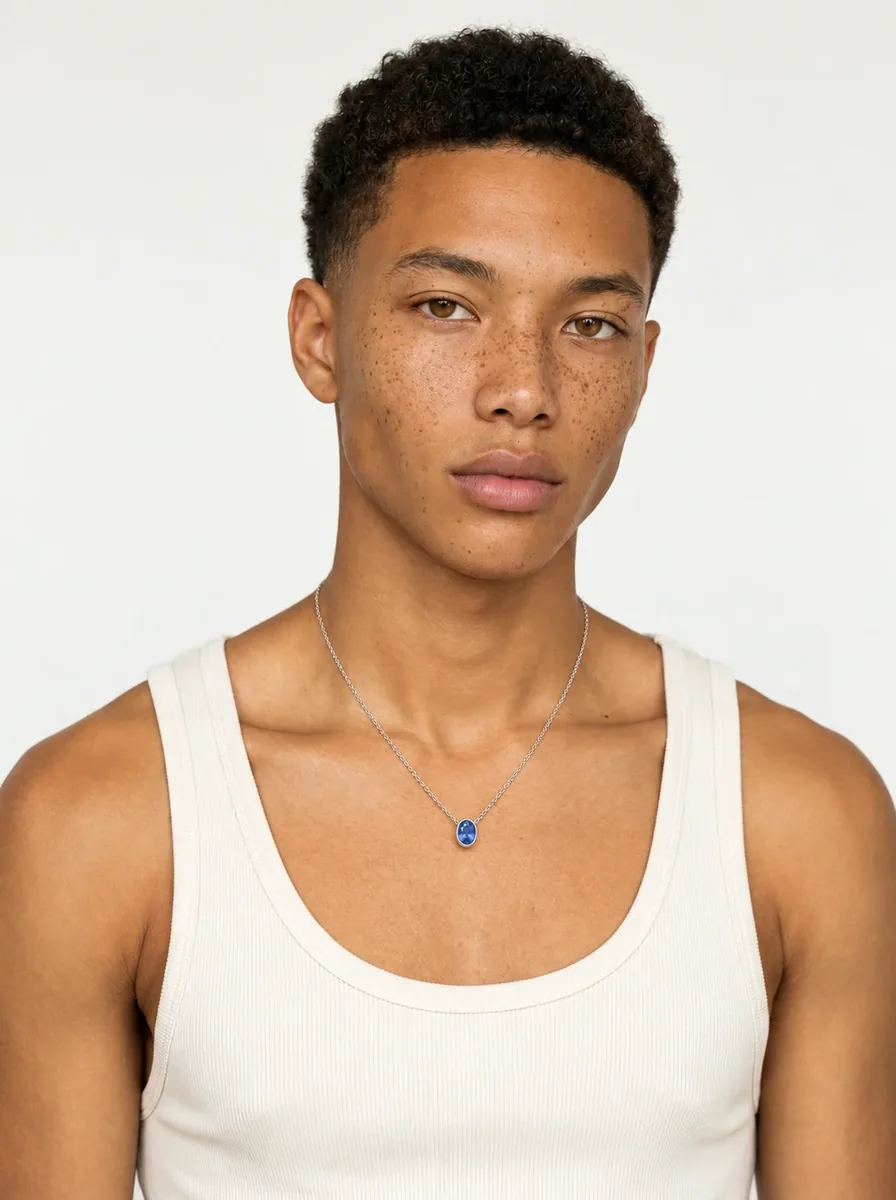
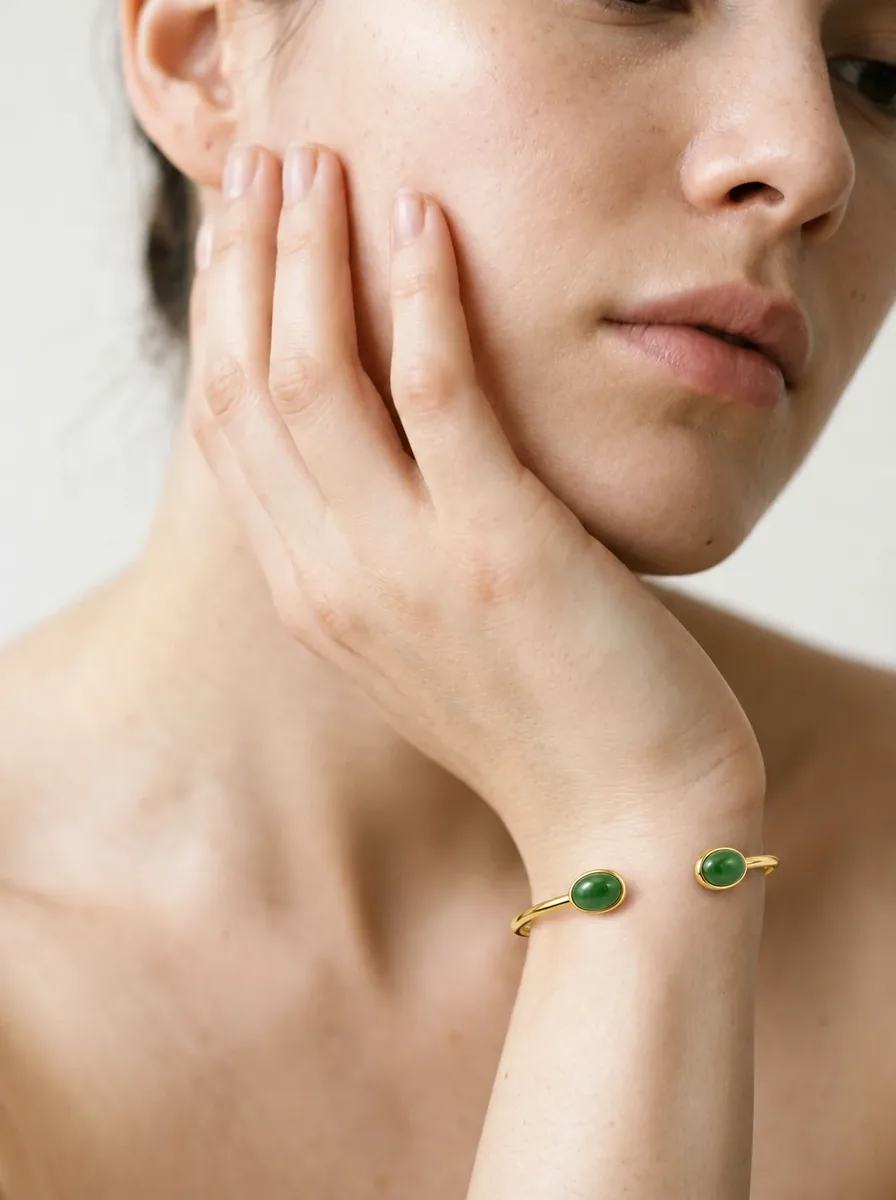
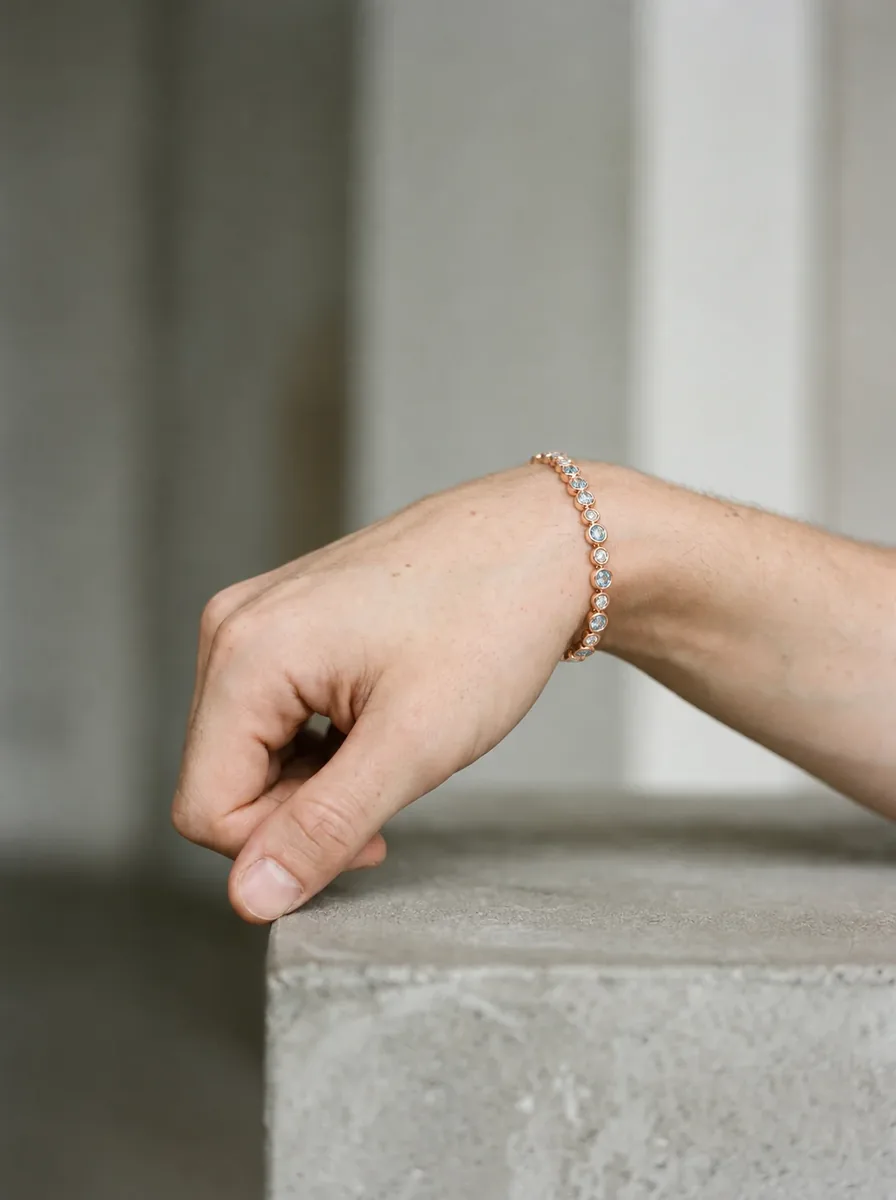
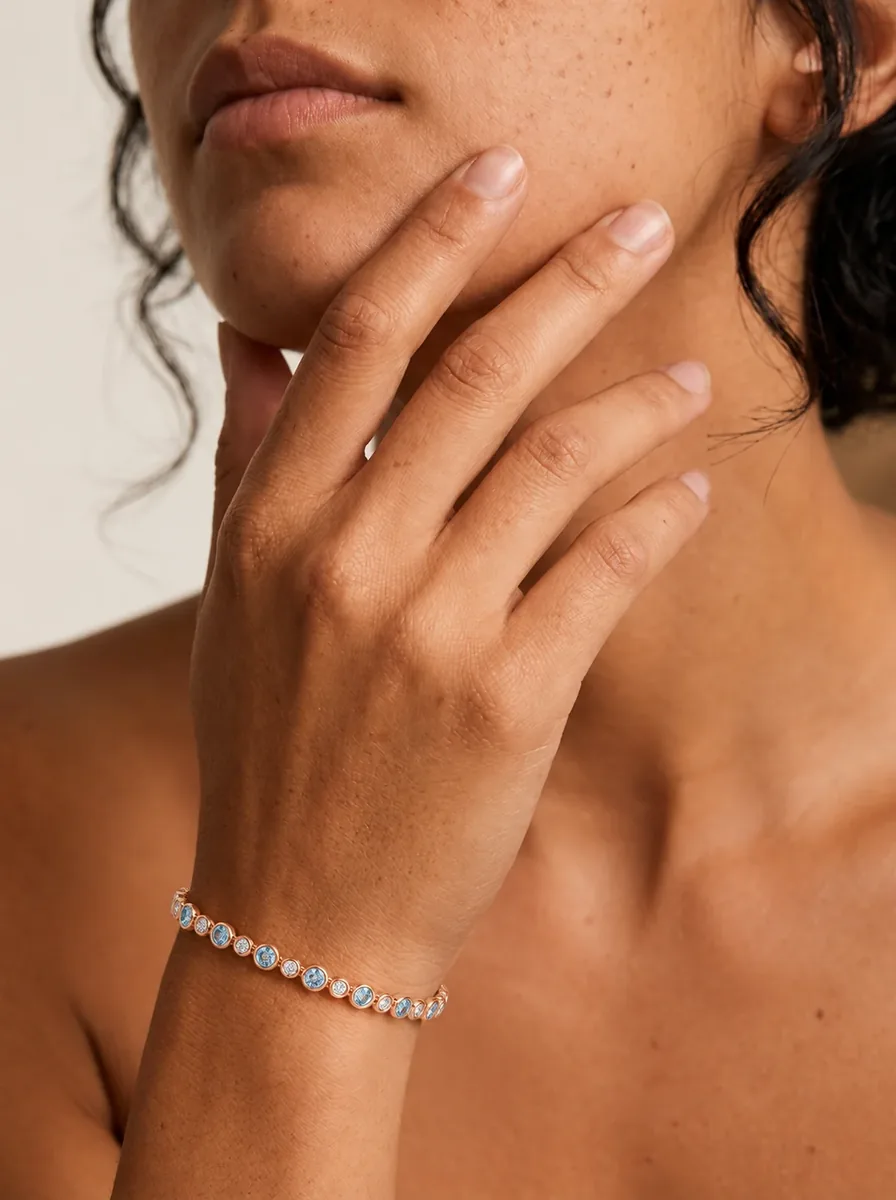
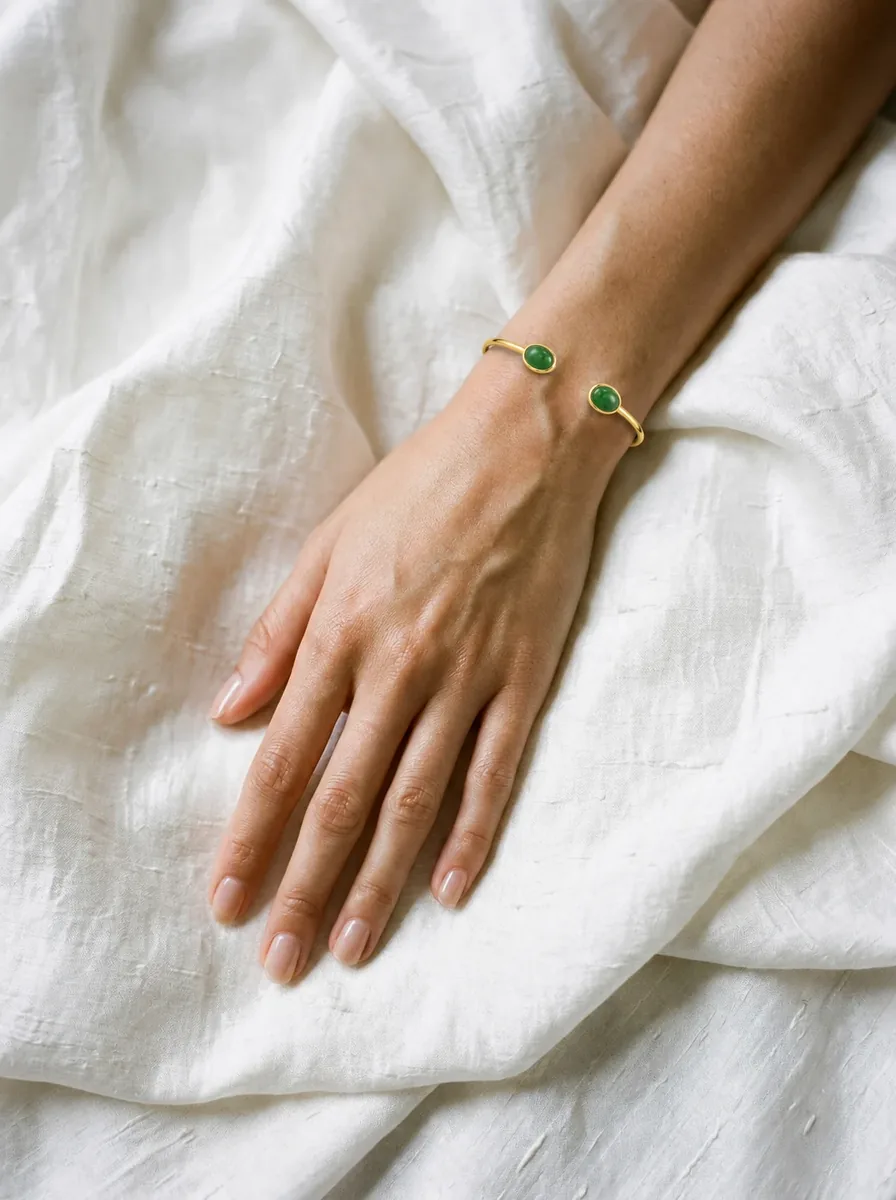
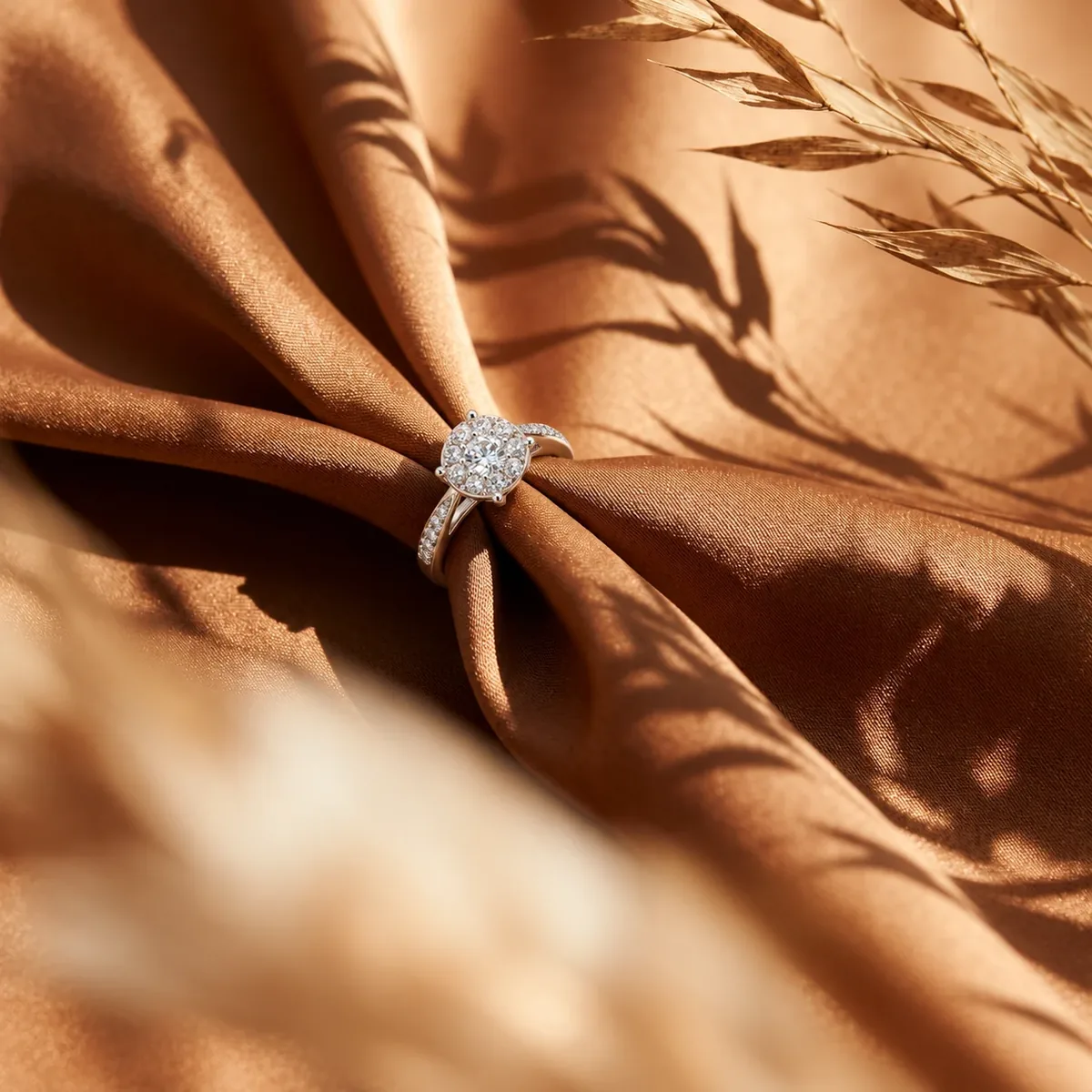
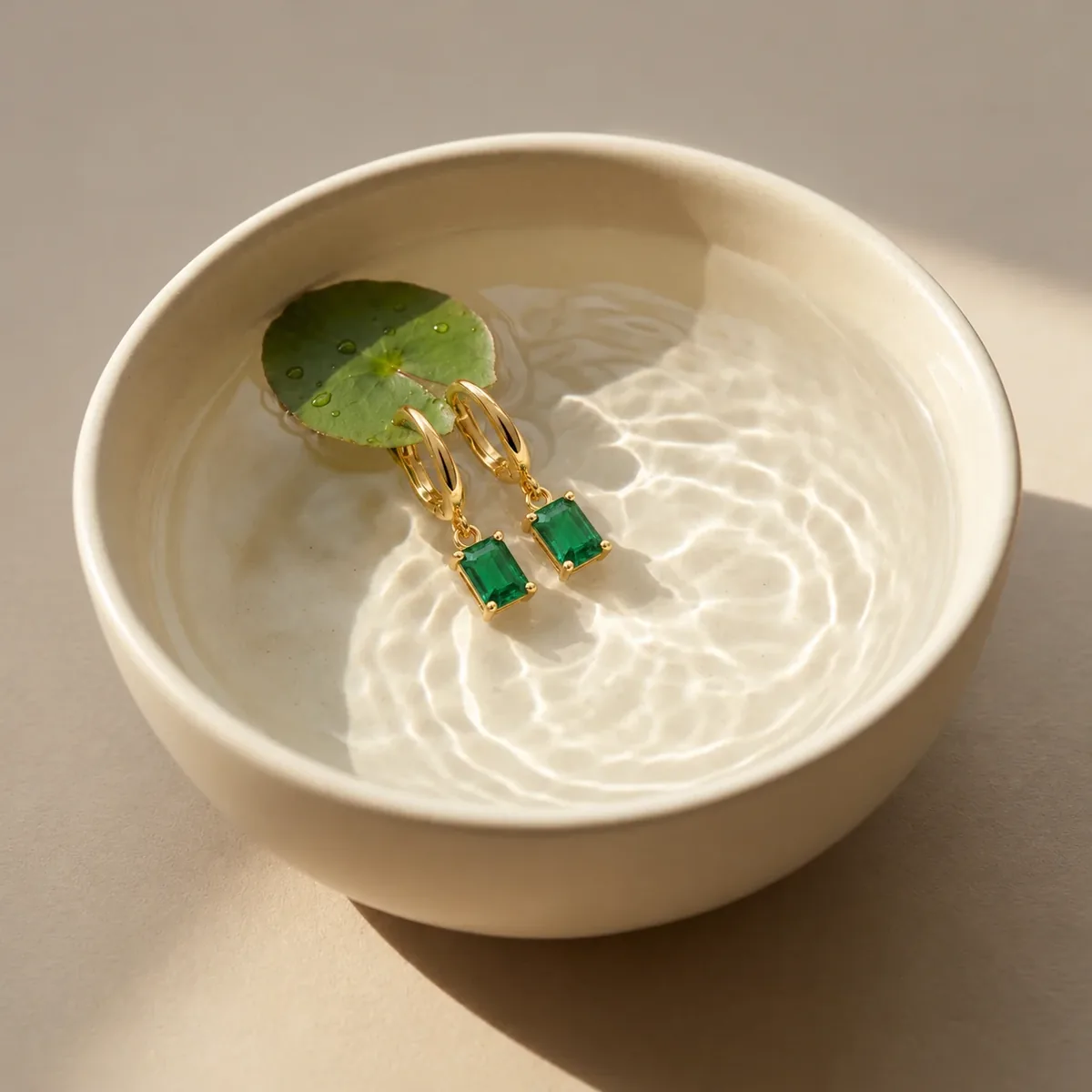
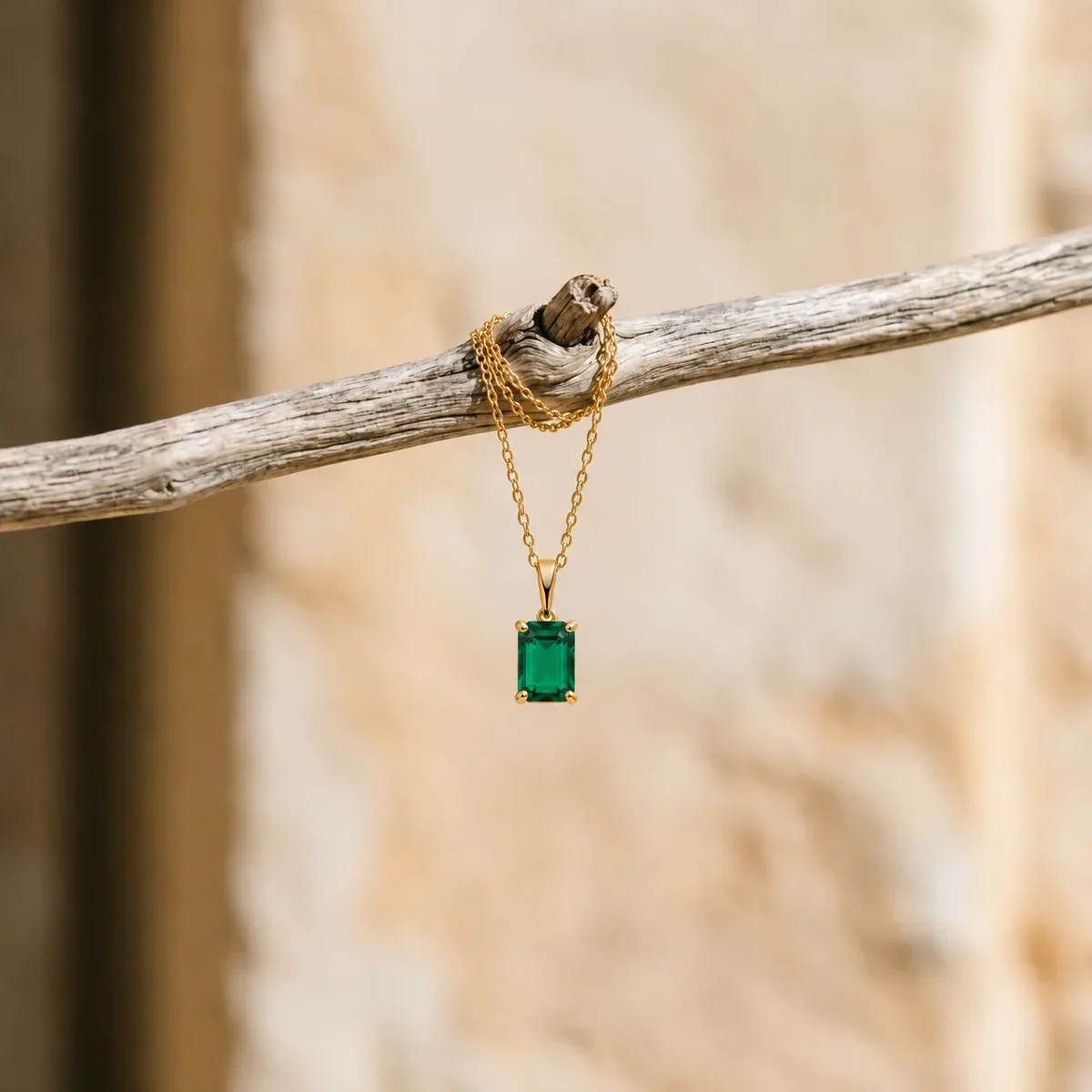
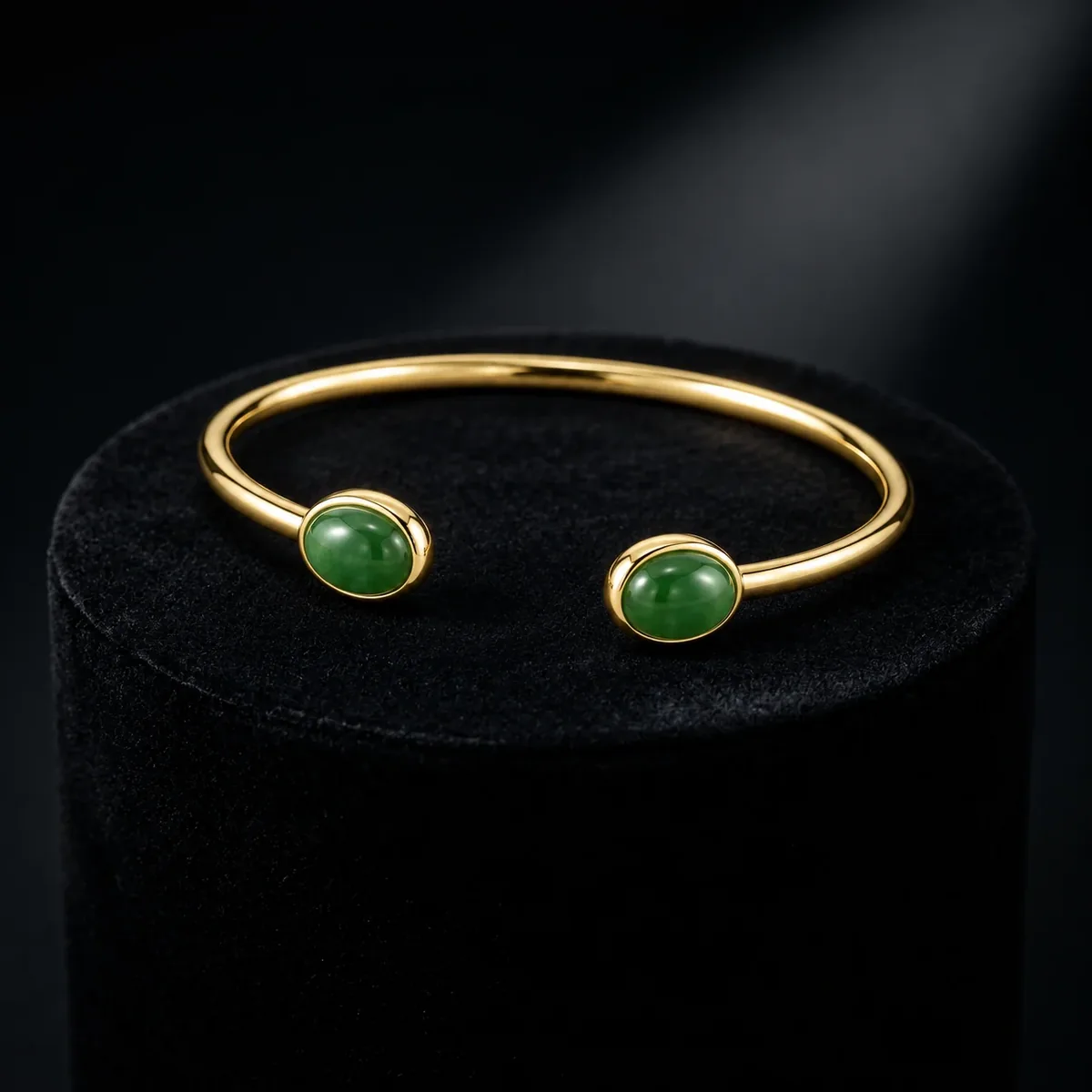
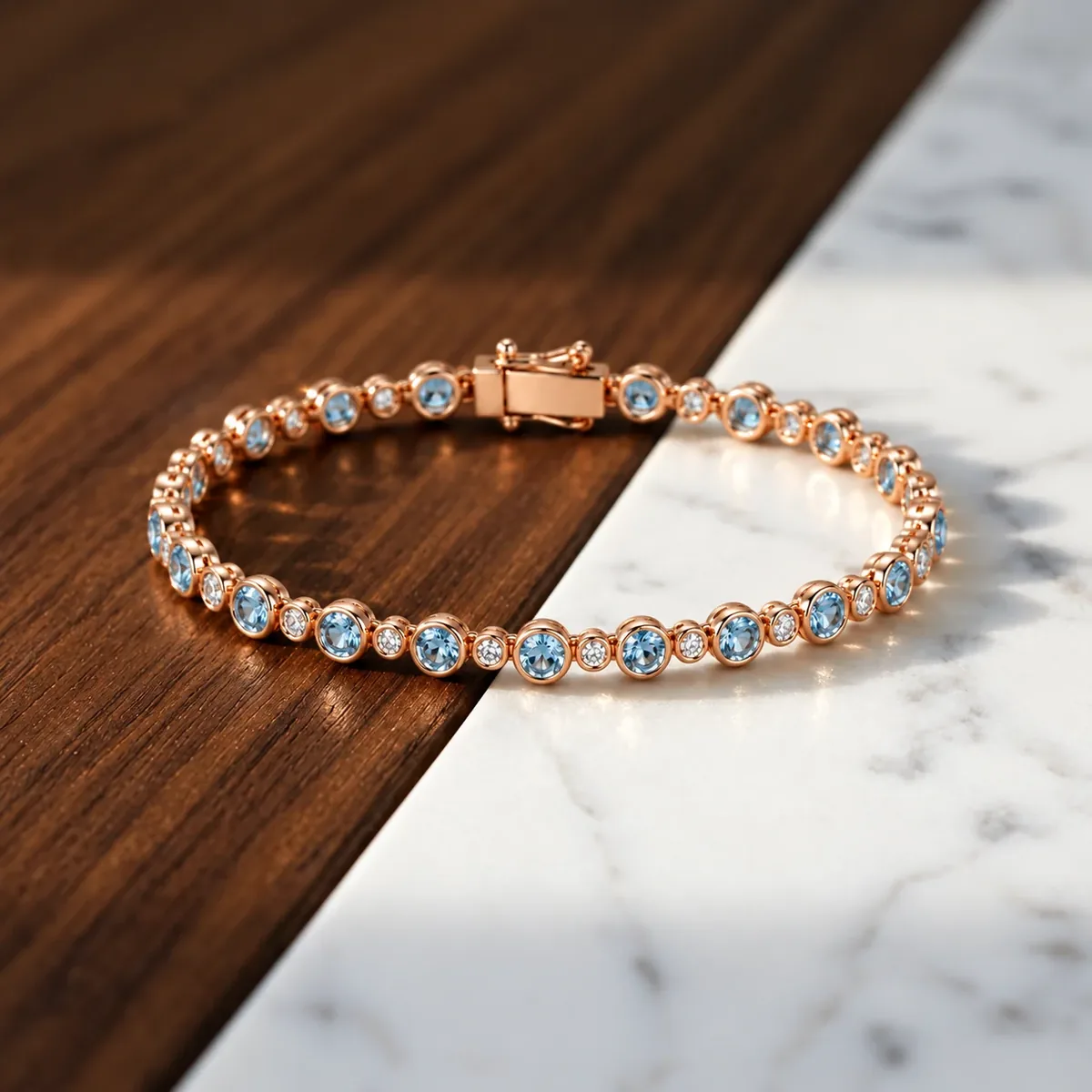
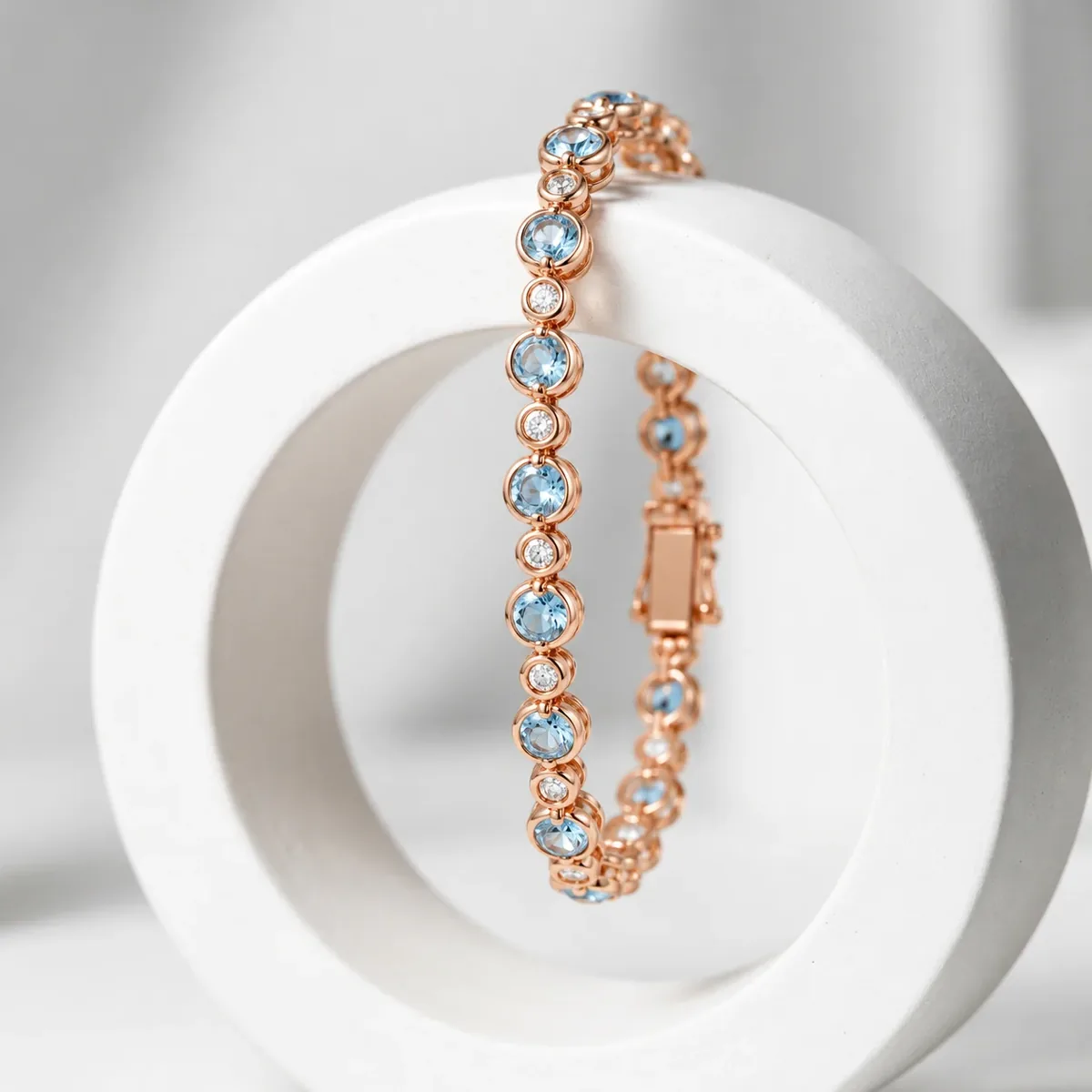
Better photos in. Better AI out.
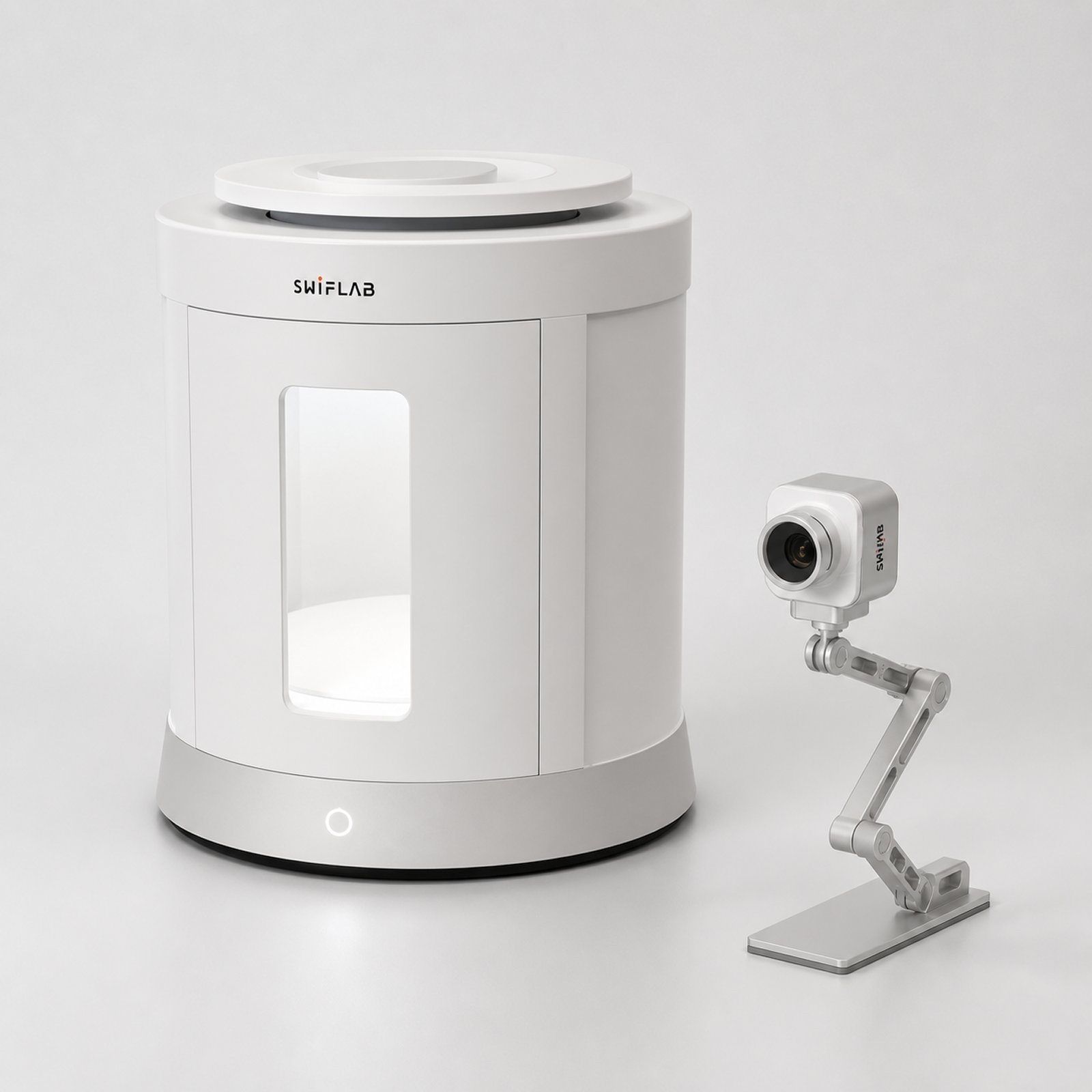
AI can only work with the light it is given. Phone photos bring glare, color cast and uneven light. SwifLab Box and Capture give every piece the same 5000K studio light and true color, so every AI result starts from a clean original.
Your work, kept in one place.
Every upload and result on the web goes straight to your private cloud space. The desktop app keeps your originals on your computer — and opens the same cloud space whenever you need it.
- 3 GB free, more on paid plans
- Web uploads and results are saved automatically
- Desktop stays local-first; upload to the cloud only what you choose
- If you go over your plan, nothing is deleted
Questions jewelers ask.
What is SwifLab AI?
A set of AI photo tools made only for jewelry: retouching, background removal, lifestyle scenes, model try-on and 4K upscaling. Upload one product photo and download a ready-to-publish image.
Do I need SwifLab hardware?
No. Every tool works with photos from any camera or phone. SwifLab Box and Capture give the AI a cleaner, true-color original, so results are more consistent — especially across many SKUs.
Where are my images stored?
Everything you upload and generate on the web is saved to your private cloud space. Free accounts include 3 GB. You can download any file at any time.
How is this different from the desktop app?
The desktop app drives SwifLab hardware, works in batches and keeps originals on your computer. It uses the same account and can open your cloud space, so work made on the web is there too.
How do credits work?
New accounts get 20 free credits. Each image costs from 1 credit depending on the tool and output size, and the exact price is shown before you generate.
Start with one photo.
20 free credits and 3 GB of cloud space. No card needed.