Upscale jewelry photos to 4K
Turn small or soft product photos into sharp 4K images for zoom-in product pages, print and large banners.
Upload a jewelry photoJPG, PNG or WebP · up to 20 MB Start free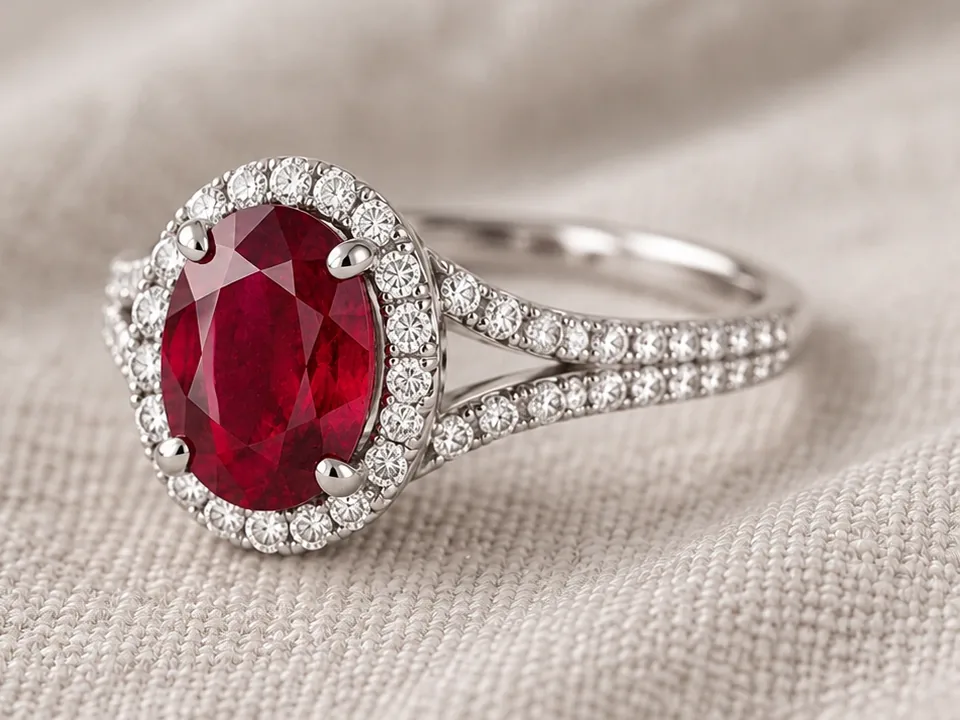
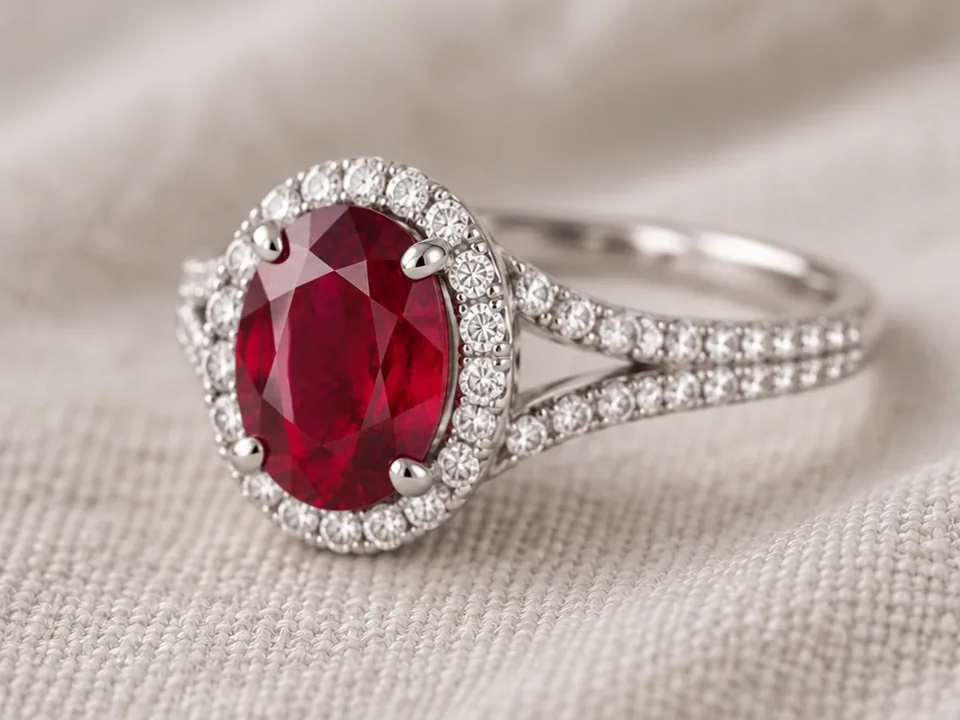 Before After
HD Upscale in three steps.
- 01Upload
One photo, even a small or slightly soft one.
- 02Upscale
The image is enlarged to a 4096 px long edge with recovered detail.
- 03Download
Download the 4K image. It is saved to your cloud space too.
Made for jewelry, not for everything.
Output is fixed at a 4096 px long edge, keeping your original proportions.
Edges, prongs and metal grain become crisp instead of blurry.
Reuse archive and supplier images that were too small to publish.
Great for
- Zoom-in product pages
- Print and catalogs
- Large banners
- Supplier and archive images
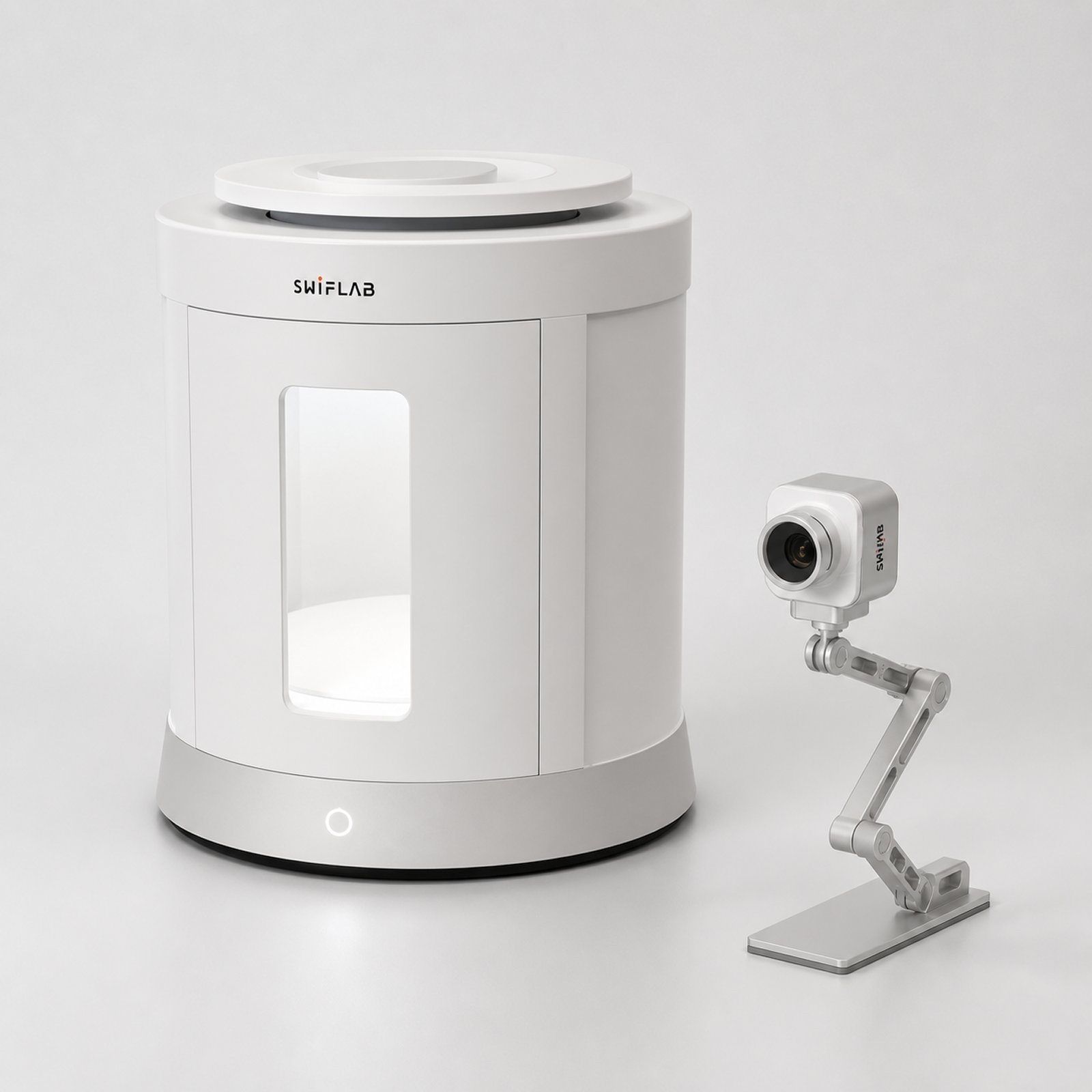
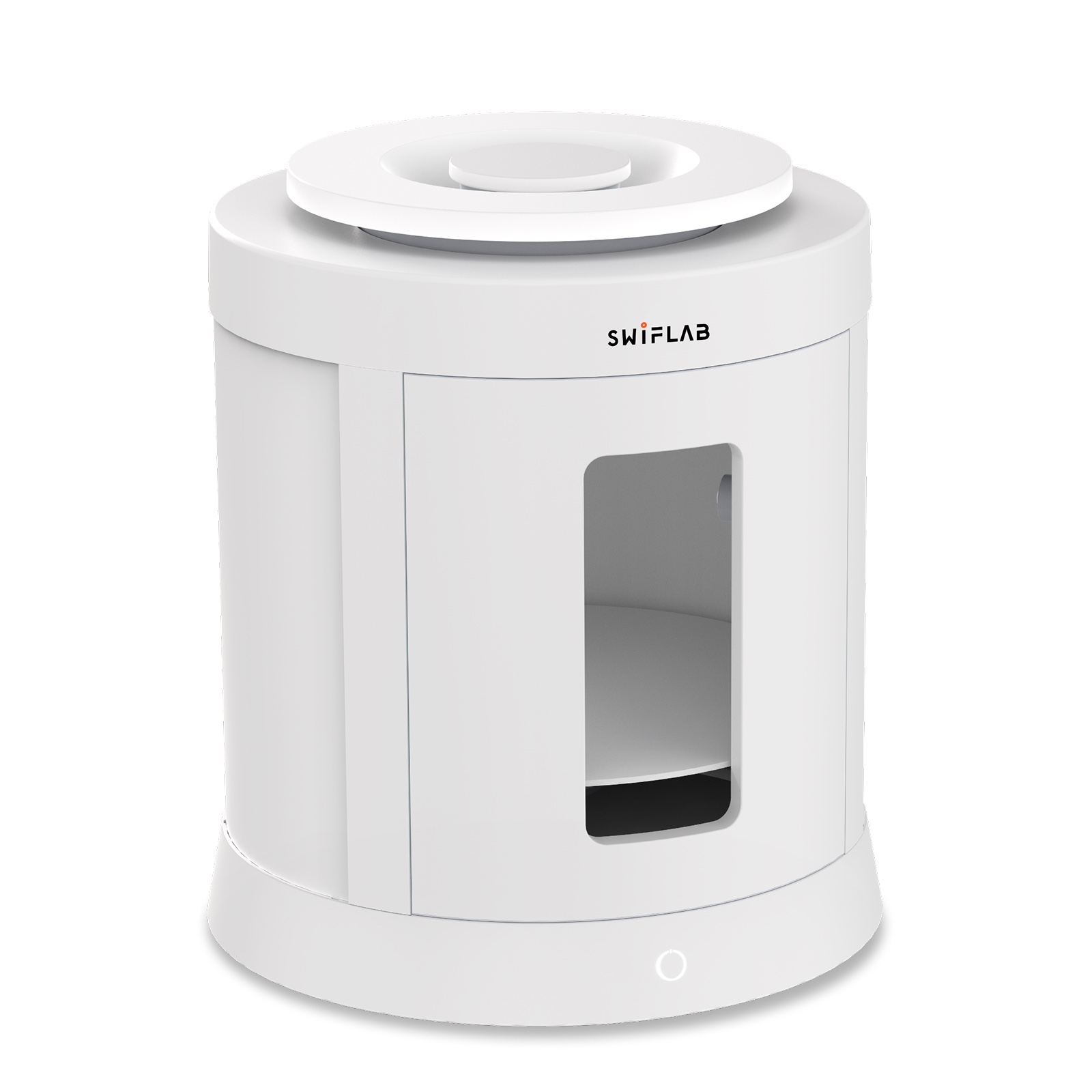 Shooting dozens of pieces?SwifLab Box gives every photo the same studio light, so HD Upscale results stay consistent across your whole catalog.See SwifLab hardware →
About HD Upscale.
What size is the output?
The long edge is 4096 px and the aspect ratio stays the same as your upload.
Will upscaling invent details?
Upscaling sharpens what is already there. A blurry photo becomes sharper, but missing details cannot be recovered perfectly.
How much does it cost?
From 2 credits per image.
Keep going with the same photo.
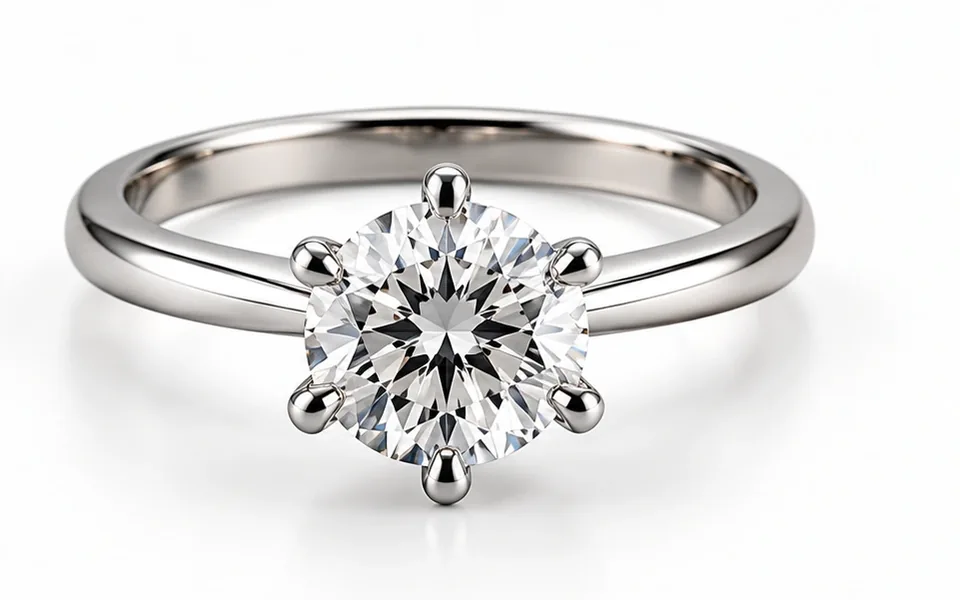 AI Retouch Clean white-background product shots in one click. Try AI Retouch
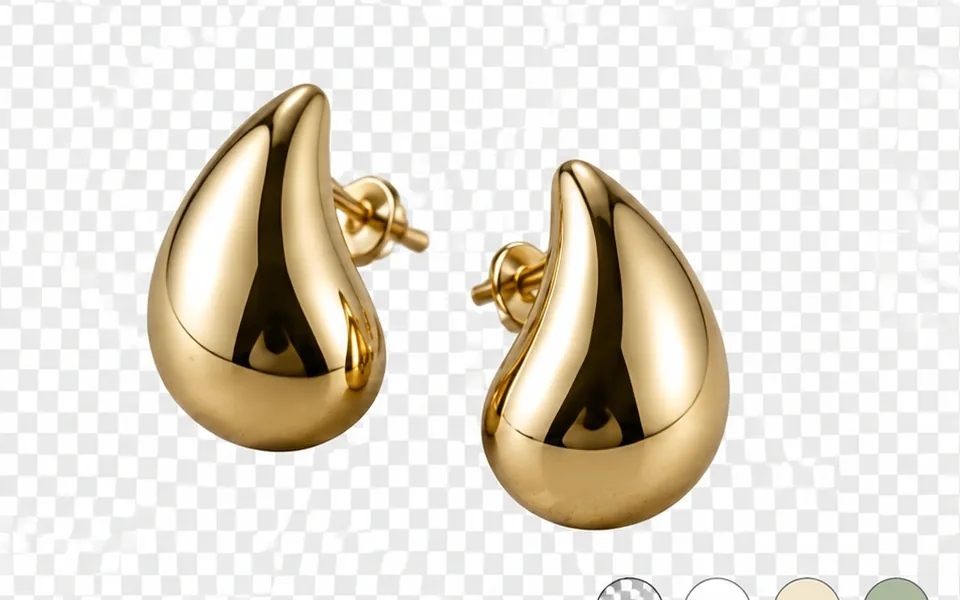 Background Remover Transparent PNG cutouts that keep chains and prongs. Try Background Remover
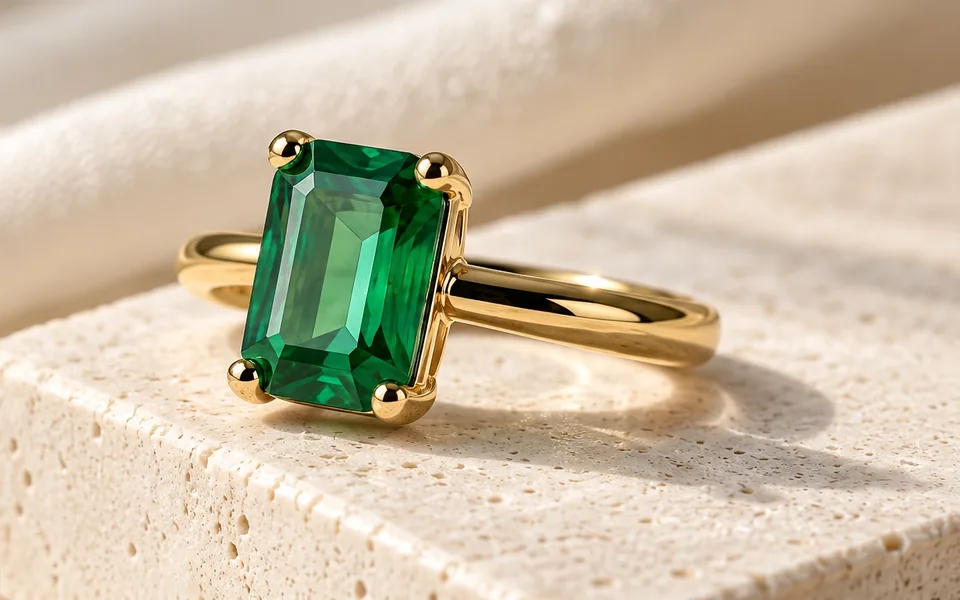 AI Scene Lifestyle shots without a set, a stylist or a reshoot. Try AI Scene
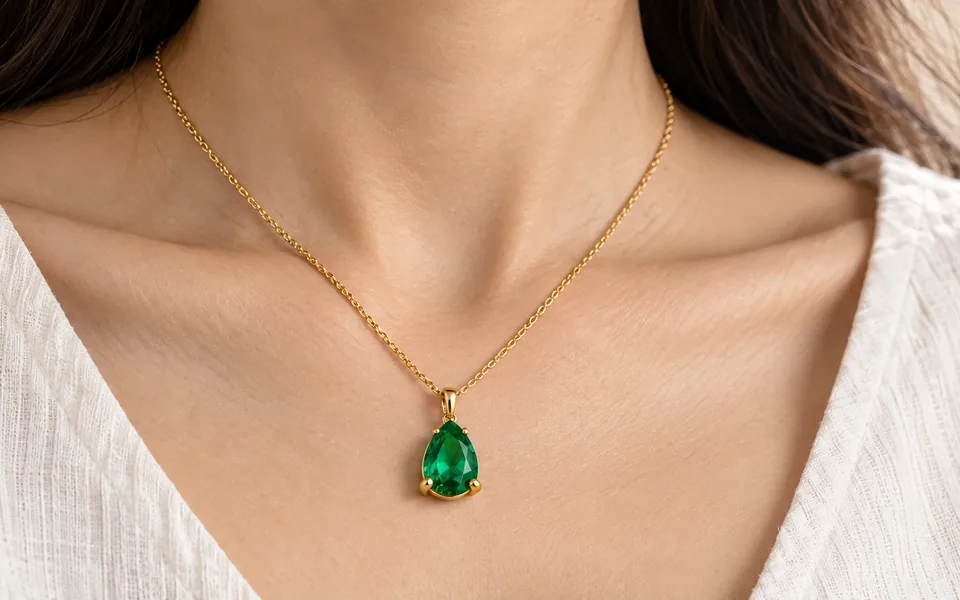 AI Model Try-On On-model photos without booking a model. Try AI Model Try-On
Better photos in. Better AI out.
AI can only work with the light it is given. Phone photos bring glare, color cast and uneven light. SwifLab Box and Capture give every piece the same 5000K studio light and true color, so every AI result starts from a clean original.