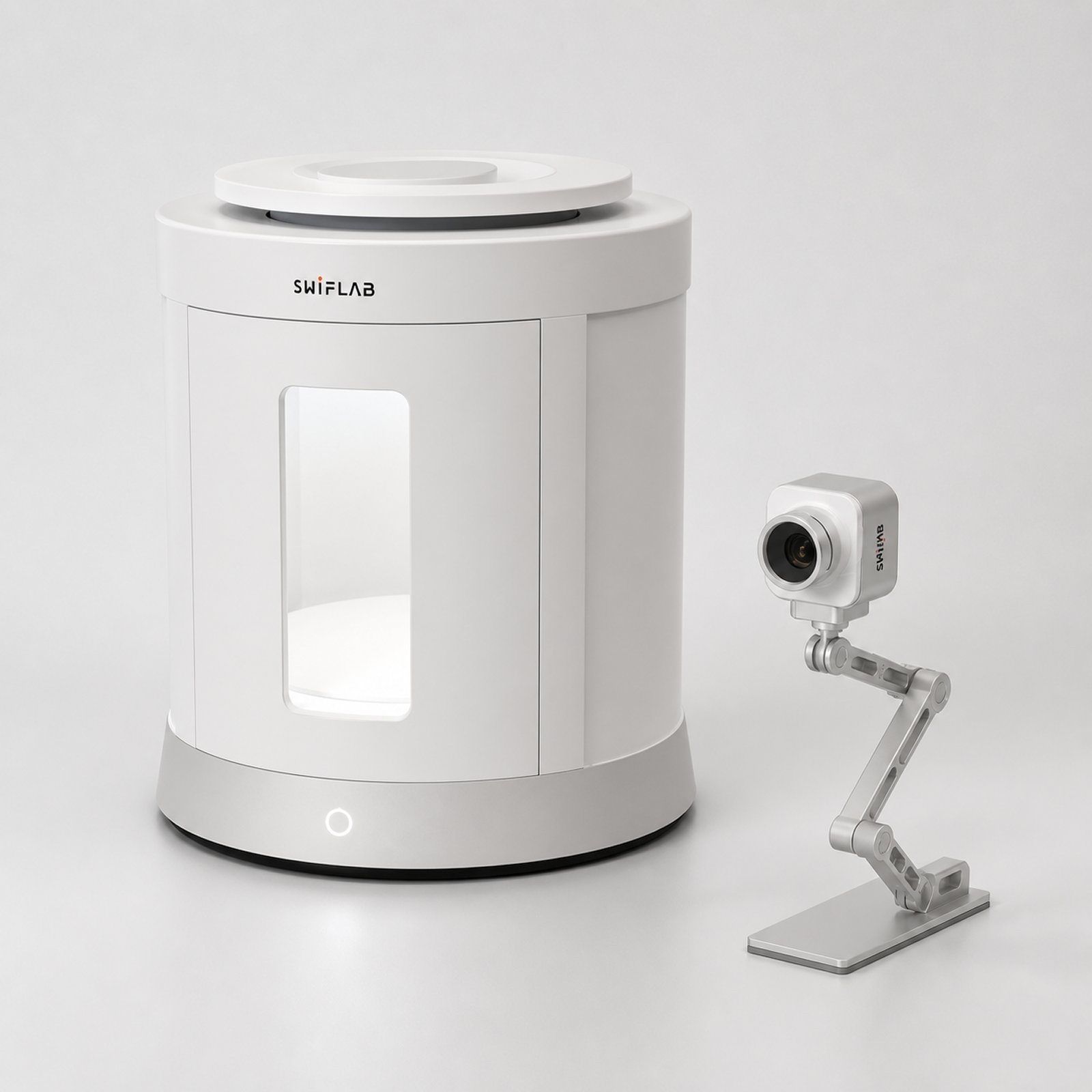
AI jewelry photo retouching
Upload one product photo. SwifLab cleans dust and fingerprints, balances light and reflections, and places the piece on a pure white background — without changing its shape, color, stones or engraving.
Upload a jewelry photoJPG, PNG or WebP · up to 20 MB Start free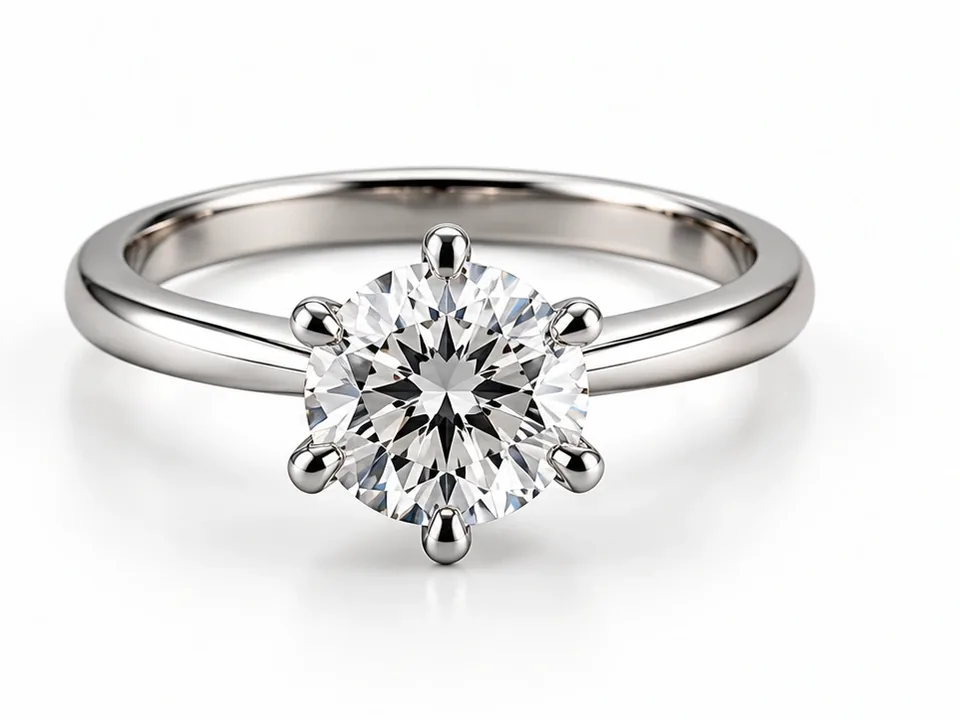
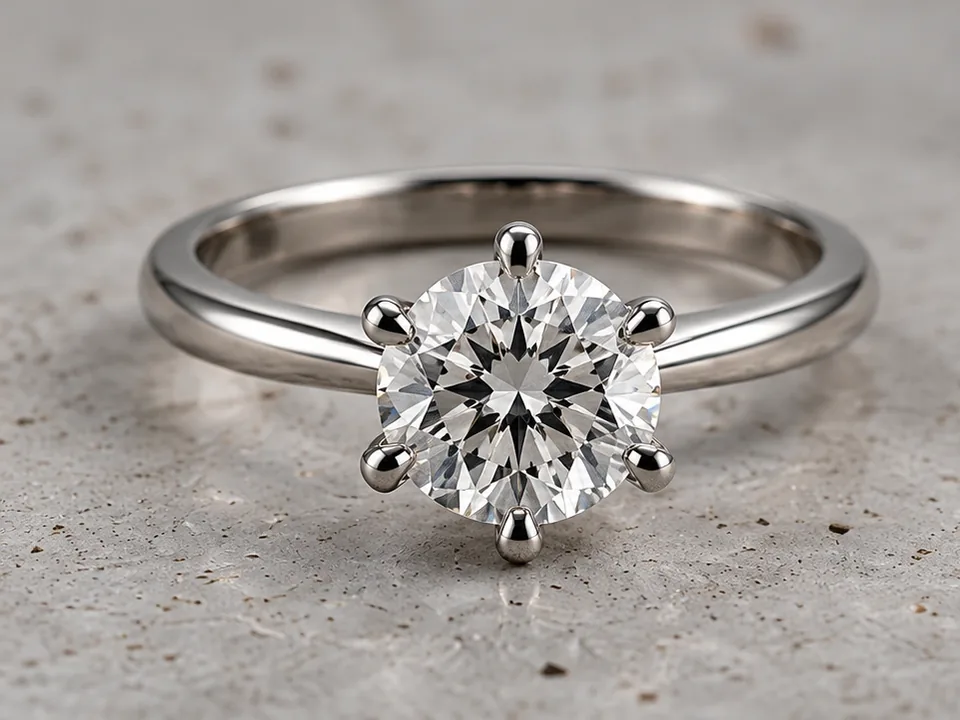 Before After
AI Retouch in three steps.
- 01Upload
One JPG, PNG or WebP photo of a ring, necklace, earring, bracelet or watch.
- 02Pick quality
Choose 1K, 2K or 4K output and whether to keep a soft contact shadow.
- 03Download
Get a marketplace-ready image. It is also saved to your cloud space.
Made for jewelry, not for everything.
Structure, metal color, stone count and logos are kept. Retouching never redesigns your product.
Pure white with an optional natural contact shadow, ready for Amazon, Shopify and Etsy listings.
Harsh glare and blown highlights are balanced so metal and facets read clearly.
Great for
- Marketplace main images
- Catalog and line sheets
- New-arrival posts
- Re-shooting old inventory photos
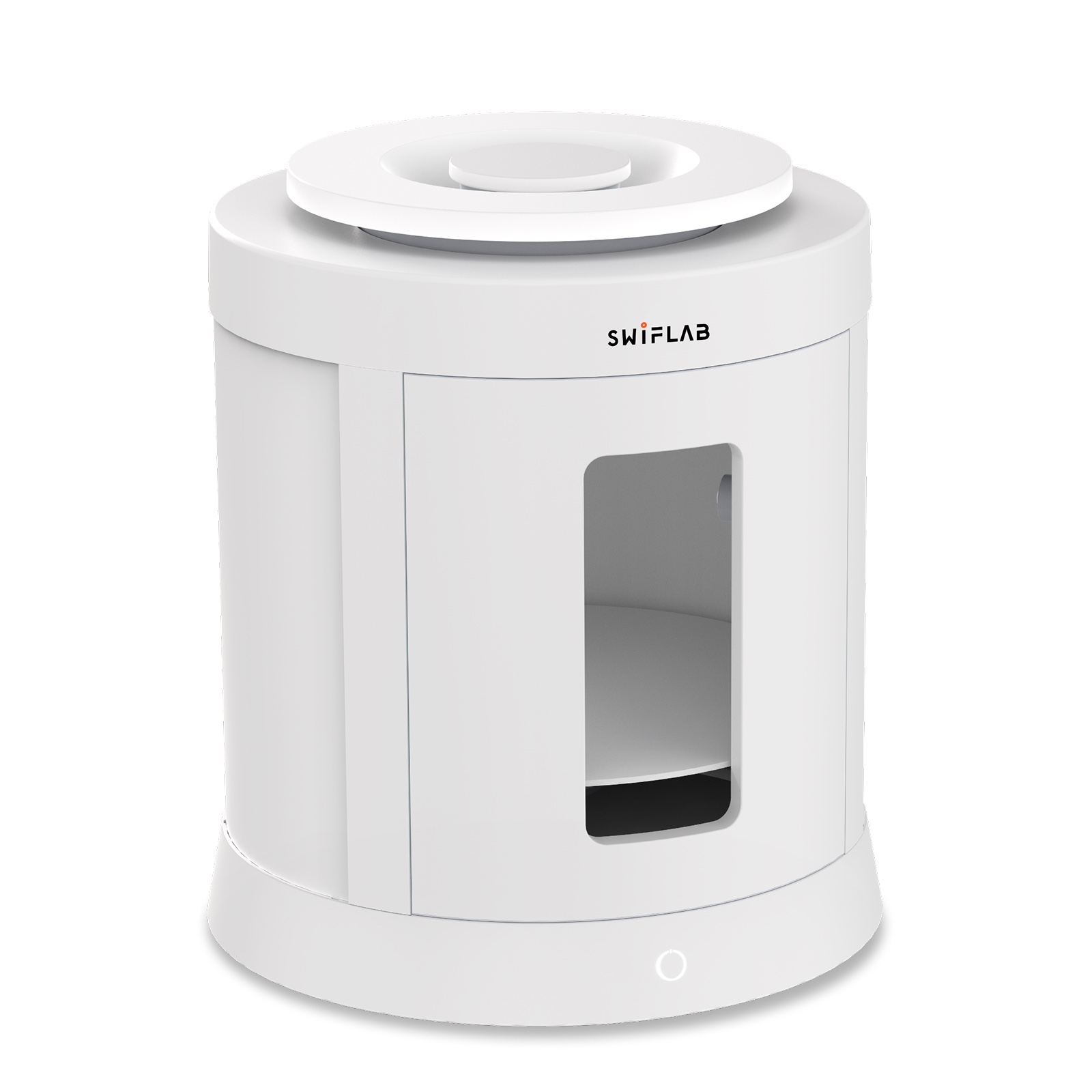 Shooting dozens of pieces?SwifLab Box gives every photo the same studio light, so AI Retouch results stay consistent across your whole catalog.See SwifLab hardware →
About AI Retouch.
Will AI change my jewelry design?
No. The retouch rules lock the structure, color, material and any text or logo on the piece. Always review fine details before publishing, as you would with any retouching.
Which resolution should I choose?
2K suits most online stores. Choose 4K for zoom-in product pages and print.
Can I remove the shadow?
Yes. Choose “No shadow” for a pure white background, or keep the default natural contact shadow.
How much does it cost?
From 1 credit per image. The exact price is shown before you generate.
Keep going with the same photo.
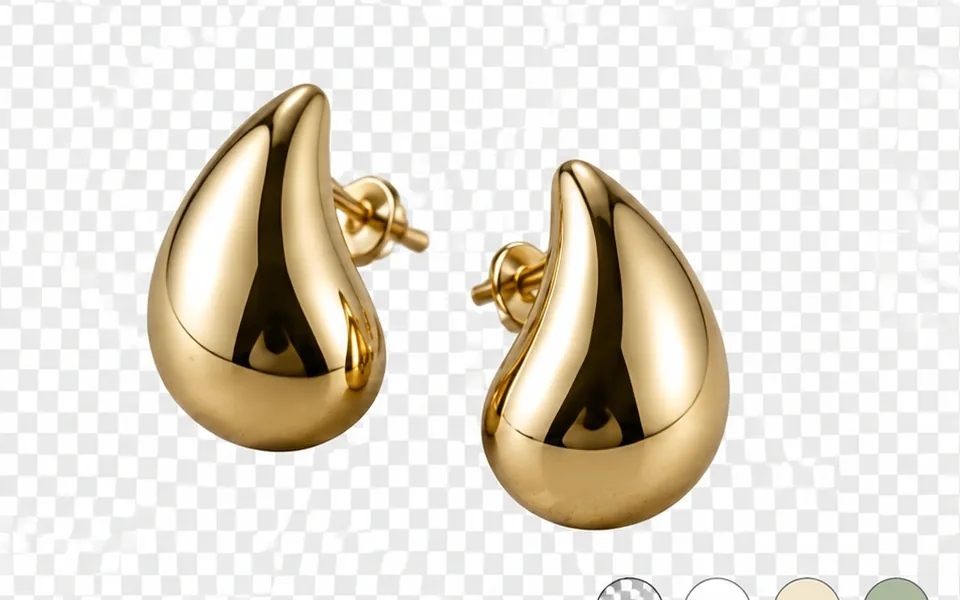 Background Remover Transparent PNG cutouts that keep chains and prongs. Try Background Remover
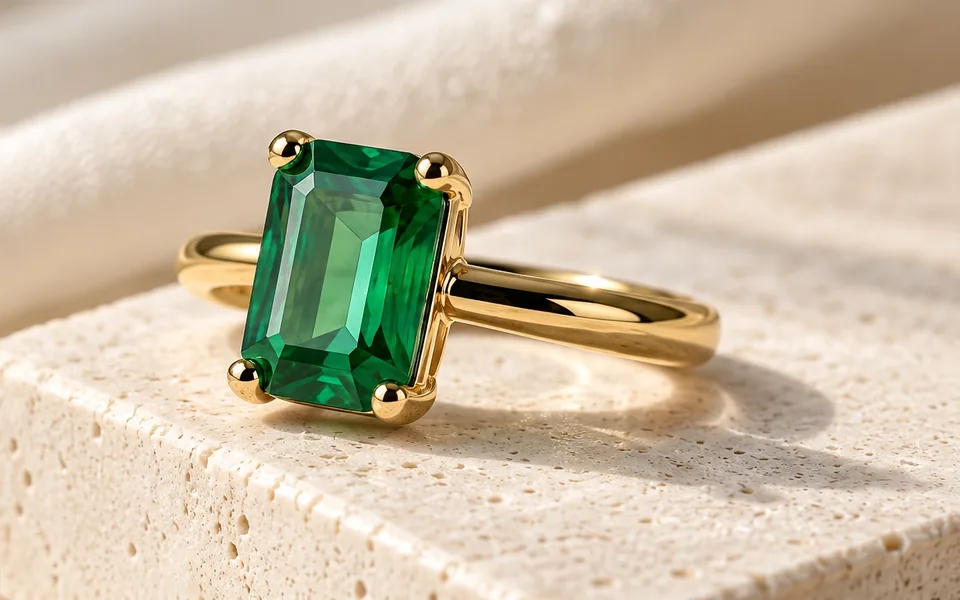 AI Scene Lifestyle shots without a set, a stylist or a reshoot. Try AI Scene
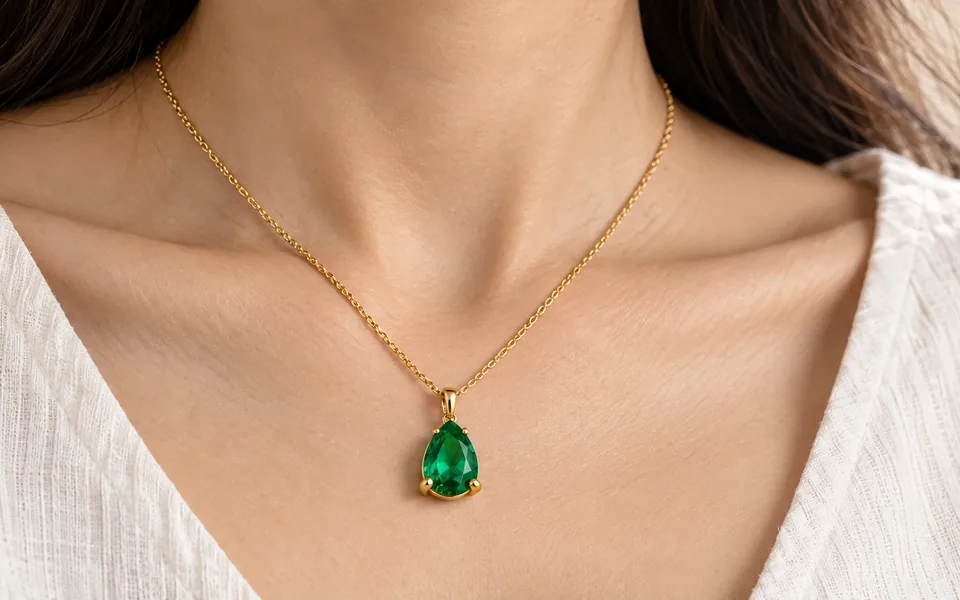 AI Model Try-On On-model photos without booking a model. Try AI Model Try-On
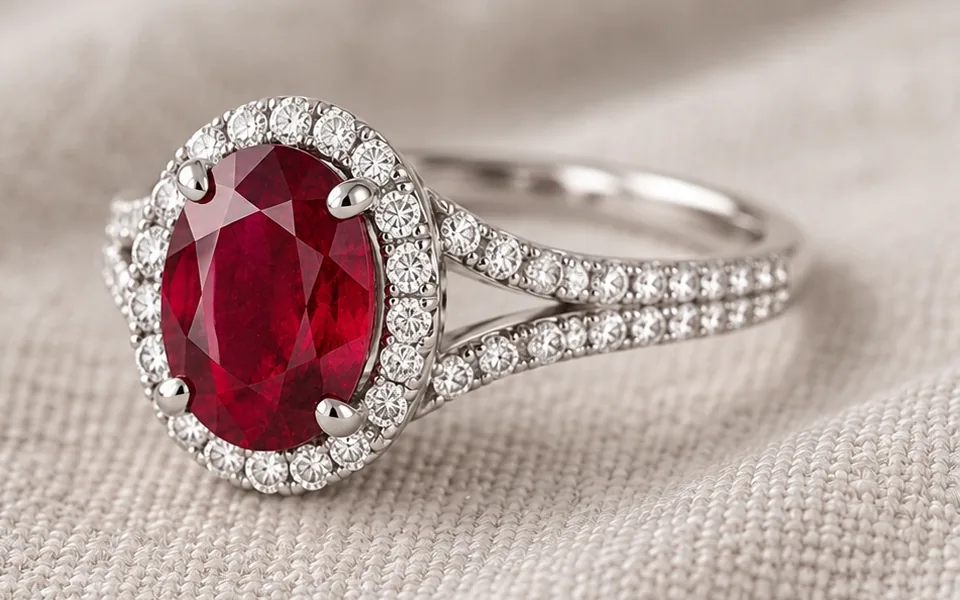 HD Upscale Sharpen low-resolution photos to 4K. Try HD Upscale
Better photos in. Better AI out.
AI can only work with the light it is given. Phone photos bring glare, color cast and uneven light. SwifLab Box and Capture give every piece the same 5000K studio light and true color, so every AI result starts from a clean original.