
Remove the background from jewelry photos
Get a transparent PNG of your piece at its original size, ready to drop onto any background, banner or catalog layout.
Upload a jewelry photoJPG, PNG or WebP · up to 20 MB Start free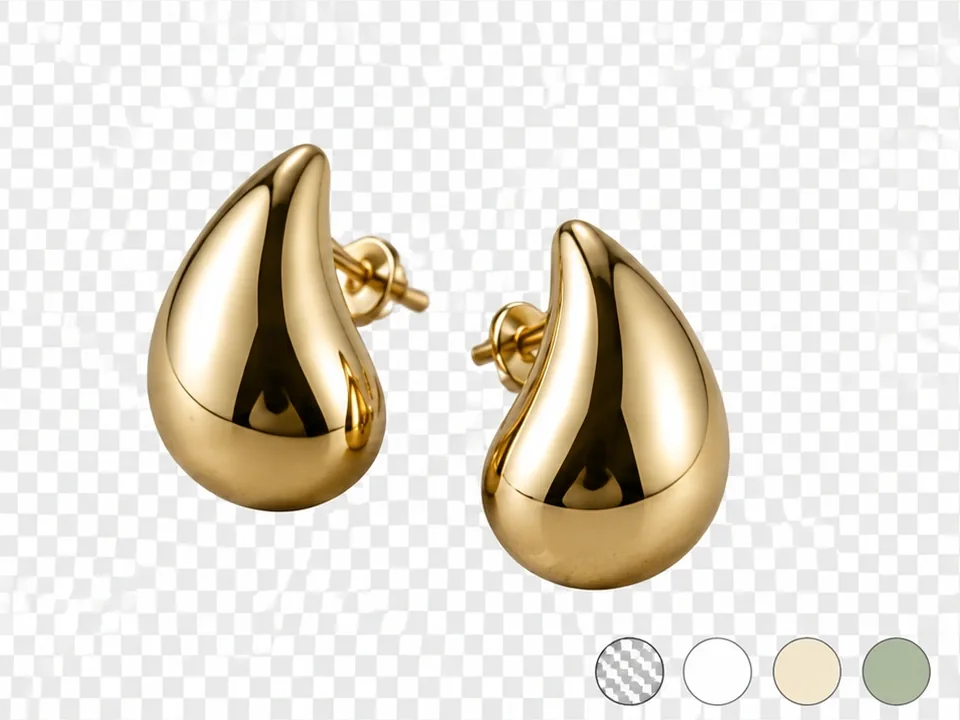
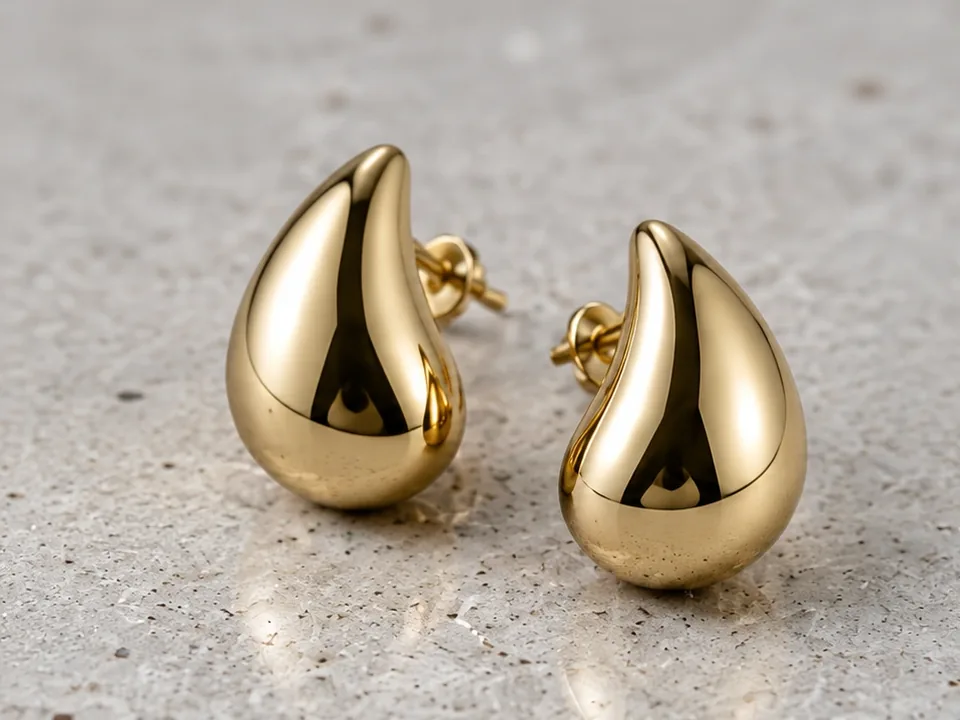 Before After
Background Remover in three steps.
- 01Upload
One photo of your piece on any background.
- 02Remove
The background is removed automatically. No brushes or masks.
- 03Download
Download a transparent PNG at the original resolution.
Made for jewelry, not for everything.
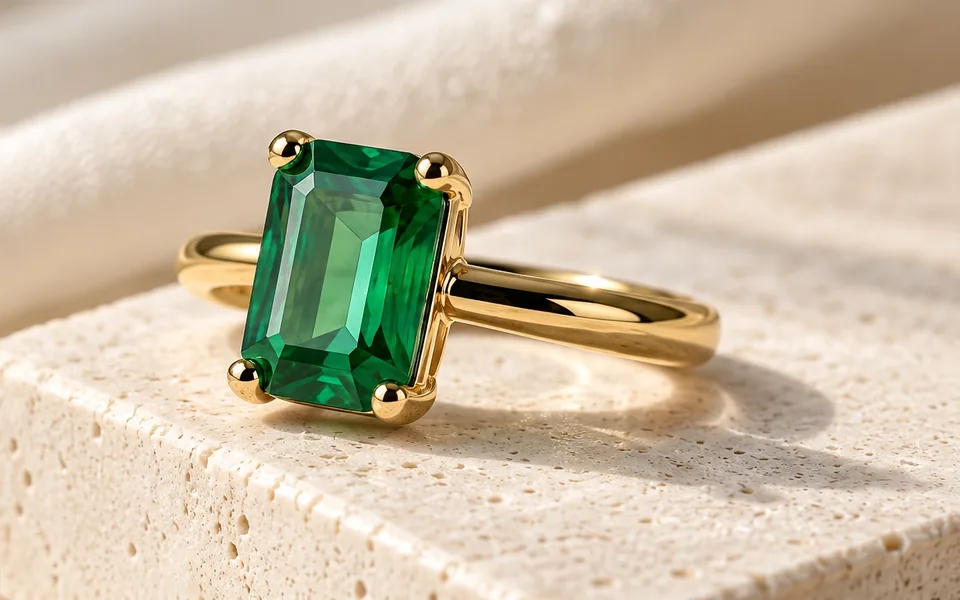
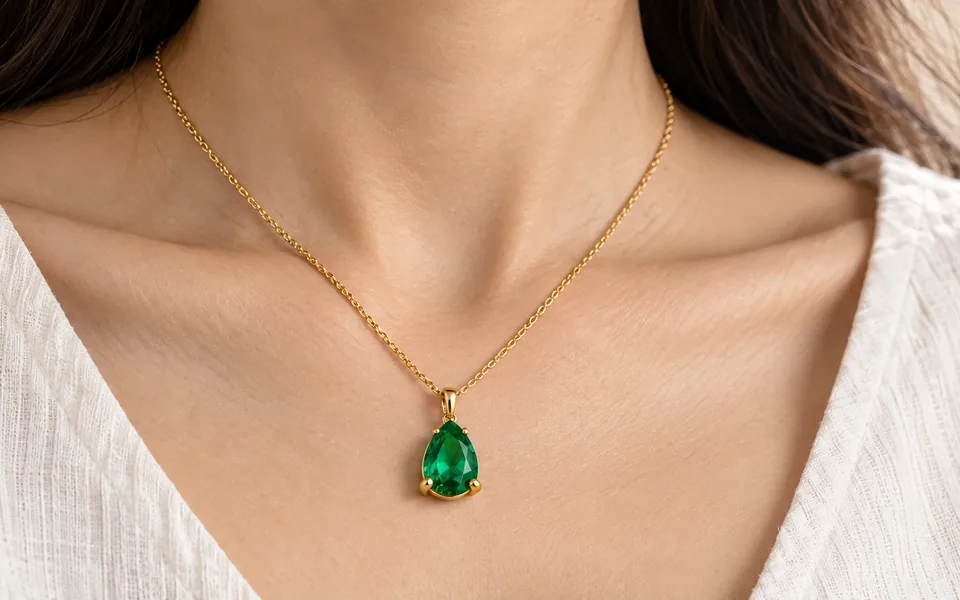
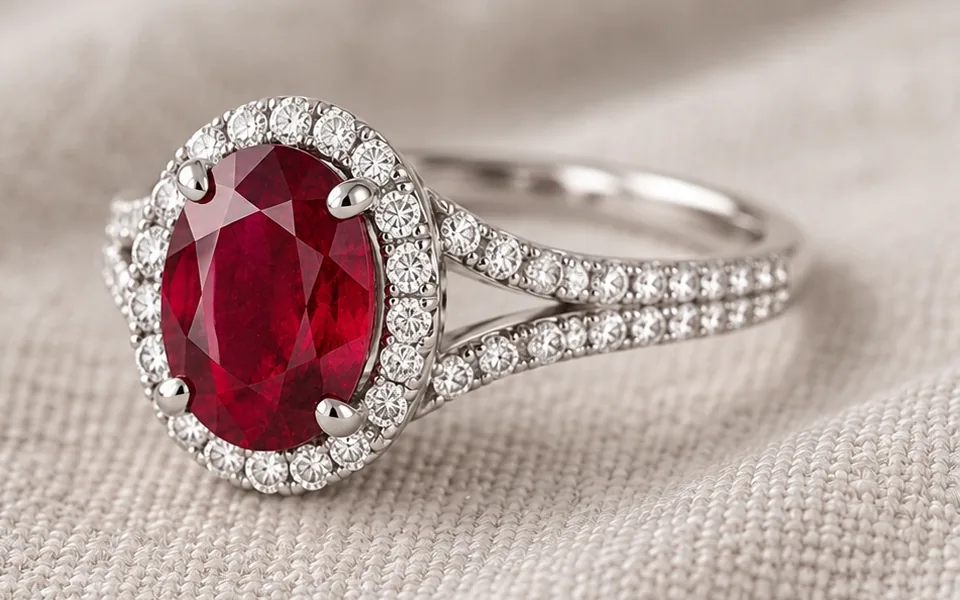
Thin chains, open settings and prongs are kept instead of being cut off.
Nothing is downscaled, so the cutout works for print and zoom.
Place the cutout on brand colors, scenes or seasonal banners.
Great for
- Brand banners and ads
- Custom background colors
- Catalog layouts
- Inputs for AI scenes
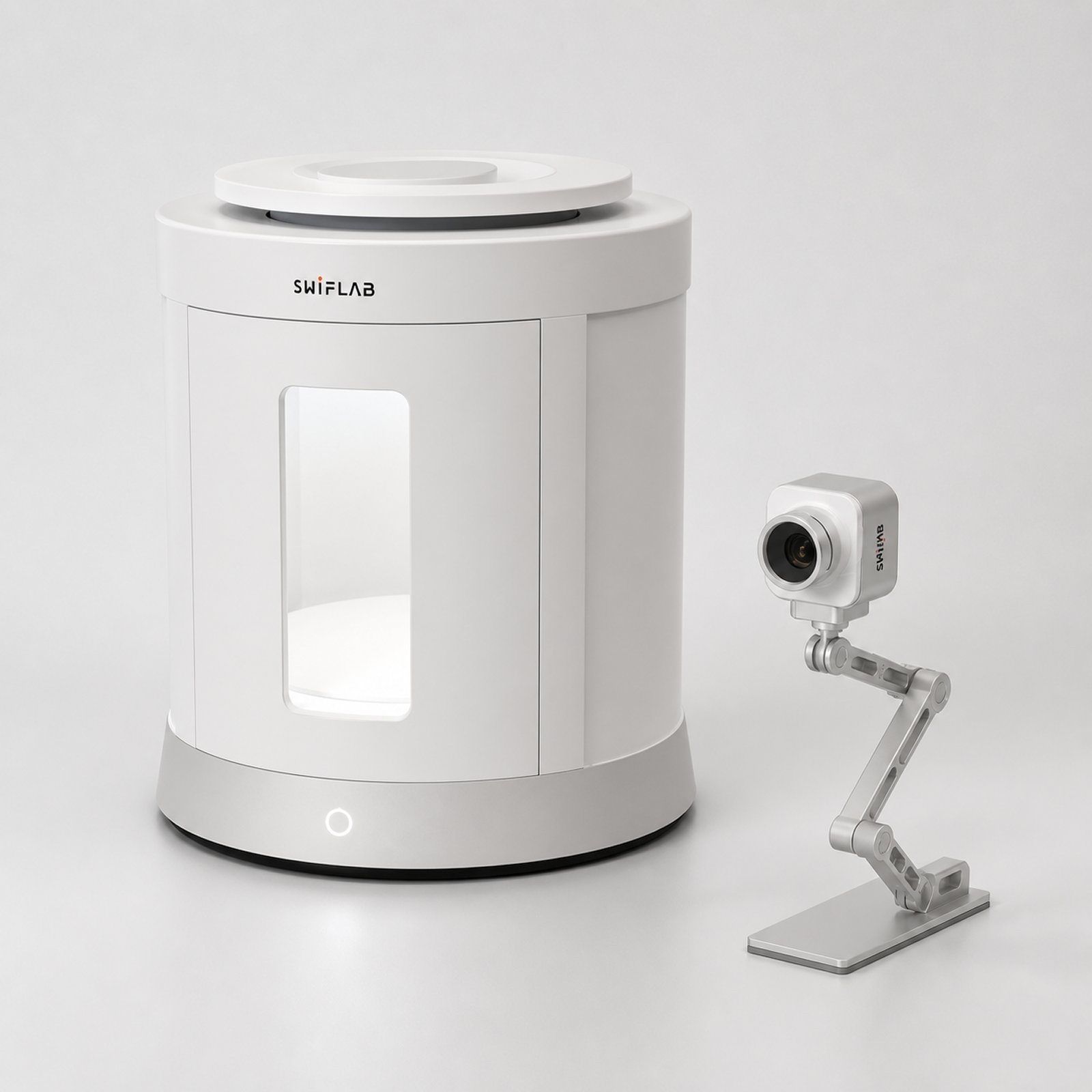
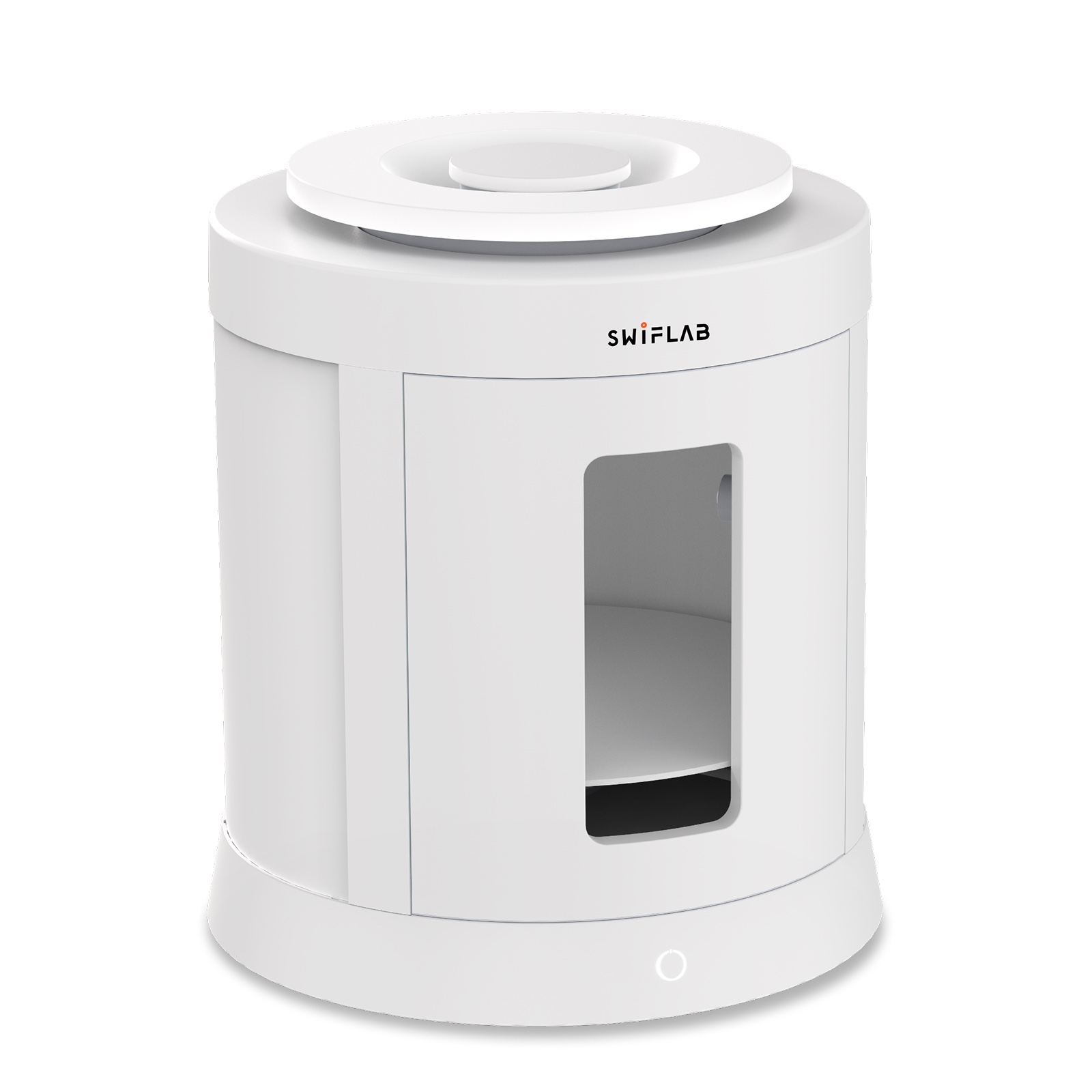 Shooting dozens of pieces?SwifLab Box gives every photo the same studio light, so Background Remover results stay consistent across your whole catalog.See SwifLab hardware →
About Background Remover.
What format do I get?
A PNG with a transparent background at the original image size.
Does it work on necklaces with thin chains?
Yes. It is tuned for jewelry, including thin chains and open settings. Very low-resolution or blurry photos give weaker edges.
How much does it cost?
From 1 credit per image.
Keep going with the same photo.
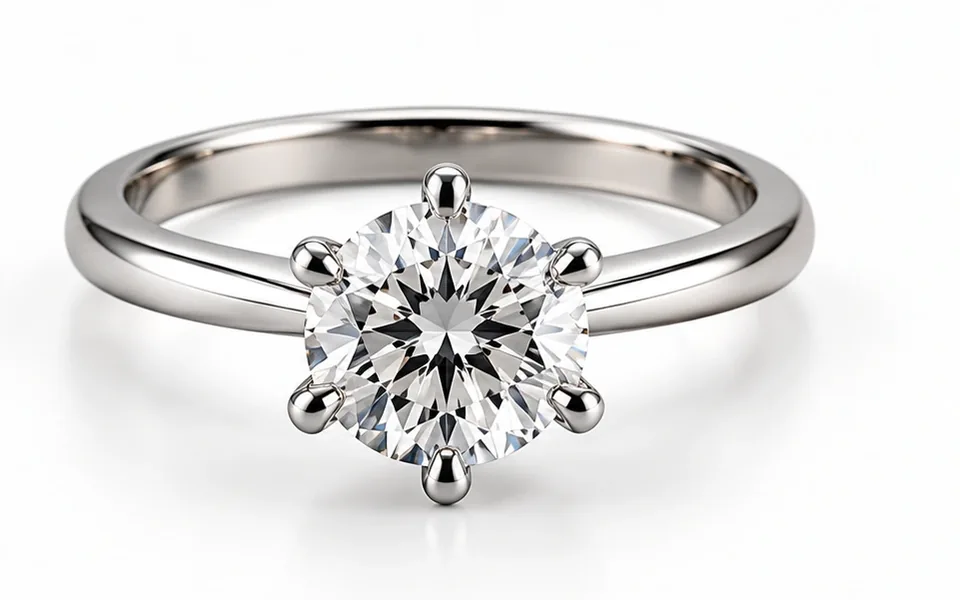
Better photos in. Better AI out.
AI can only work with the light it is given. Phone photos bring glare, color cast and uneven light. SwifLab Box and Capture give every piece the same 5000K studio light and true color, so every AI result starts from a clean original.
Try Background Remover free.
20 free credits and 3 GB of cloud space when you sign up.